
What this board answers
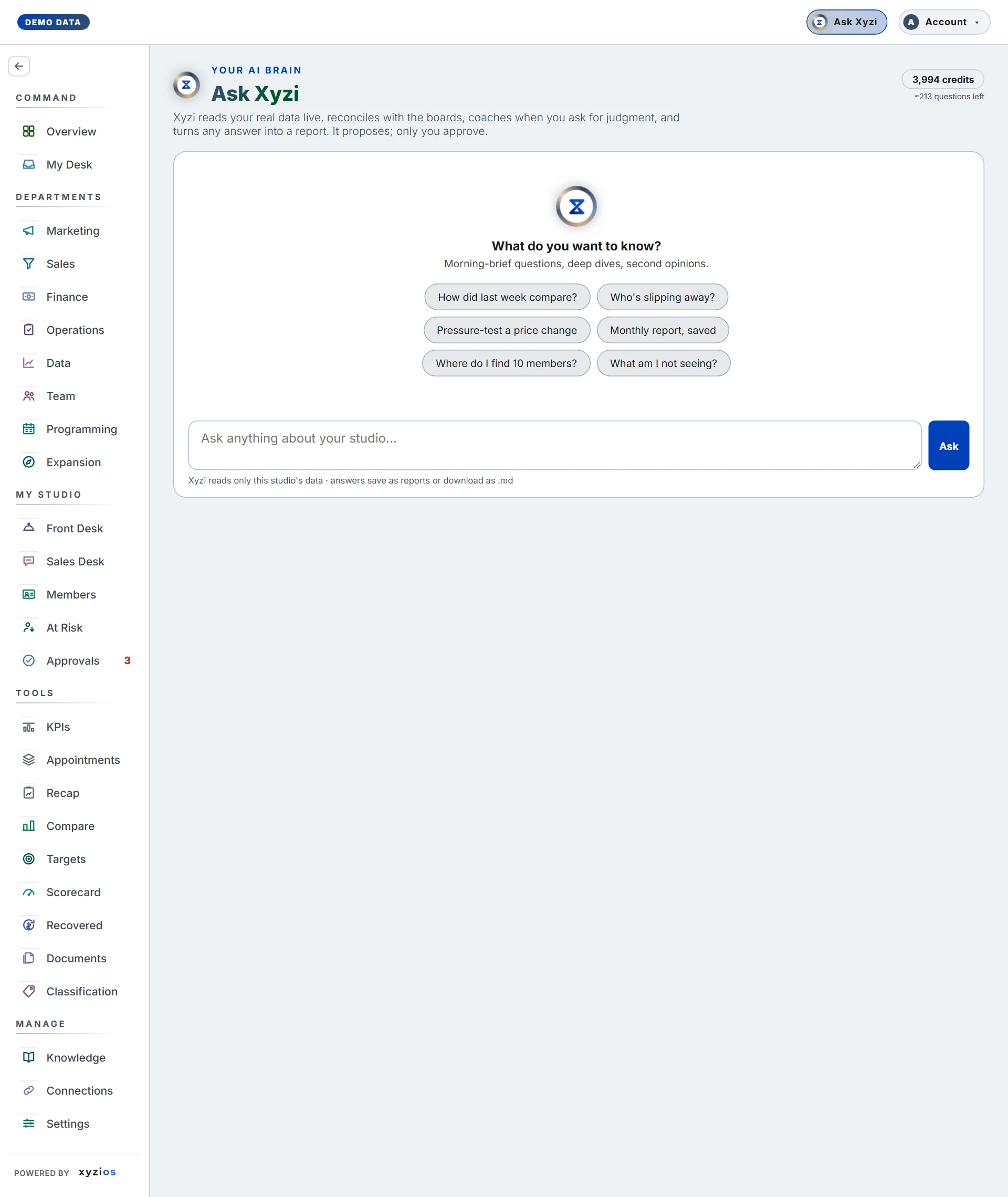
Anything about this studio that the boards can answer, in one place, in plain words. Xyzi reads the same data the boards are built from, reconciles with them, names where a figure came from, and coaches when you ask for judgment. It proposes and drafts; nothing happens until a person approves it or creates it. For front desk, instructors and bookkeepers the same conversation is Xyzi help: how to use the app, never the numbers.
How to read it
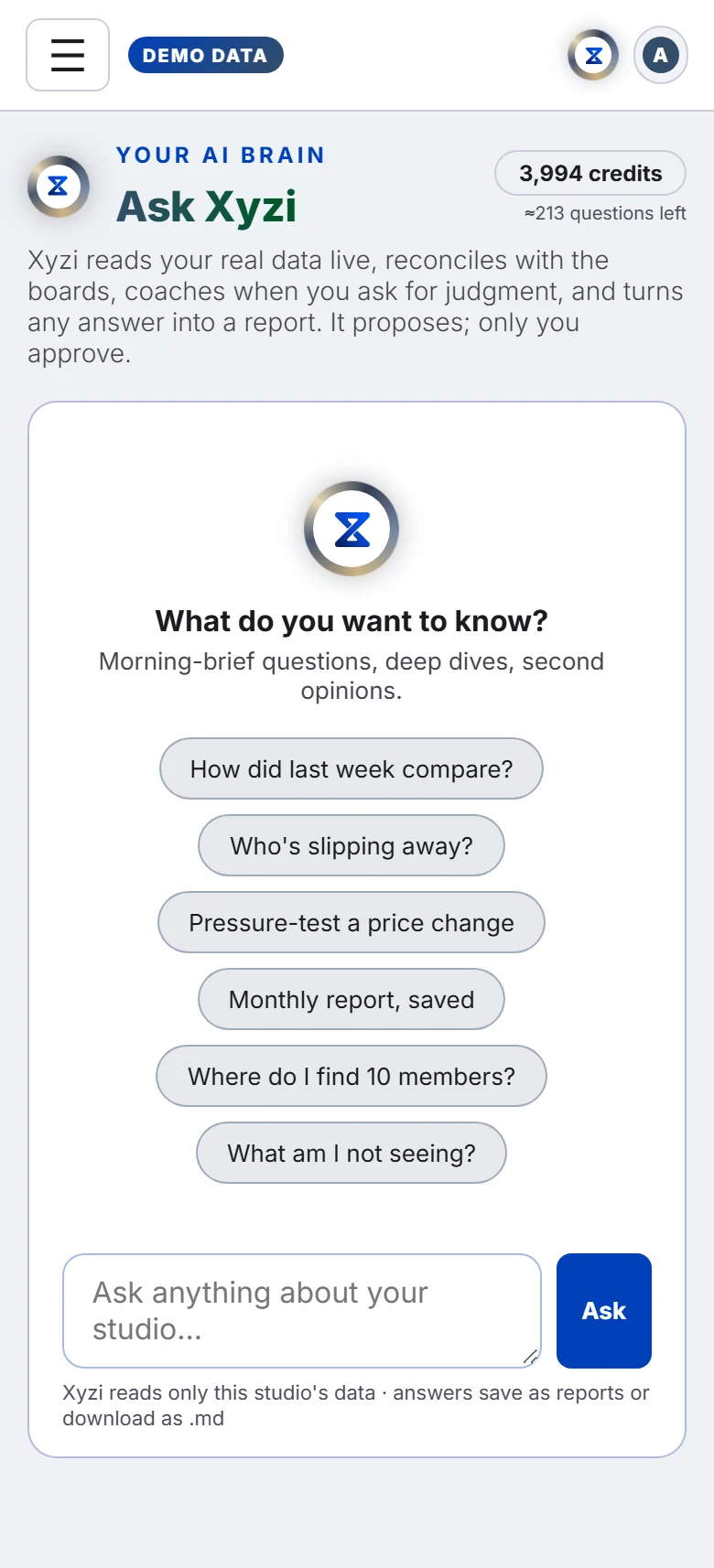
The header carries the 1credit meter: the AI credits your studio has left this month and, under them, about how many questions that is. Your questions and your AI staff’s own work all draw on the same monthly credits; hover the meter to see how many each used. It turns amber when fewer than a tenth are left, and where the studio can buy more, + Add credits appears under it. After each answer the line under the question box repeats the balance.
The Conversations drawer lists your past threads at this studio; ✦ New conversation starts fresh. A thread belongs to you and to this studio: nobody else sees your questions, and switching studios switches threads.
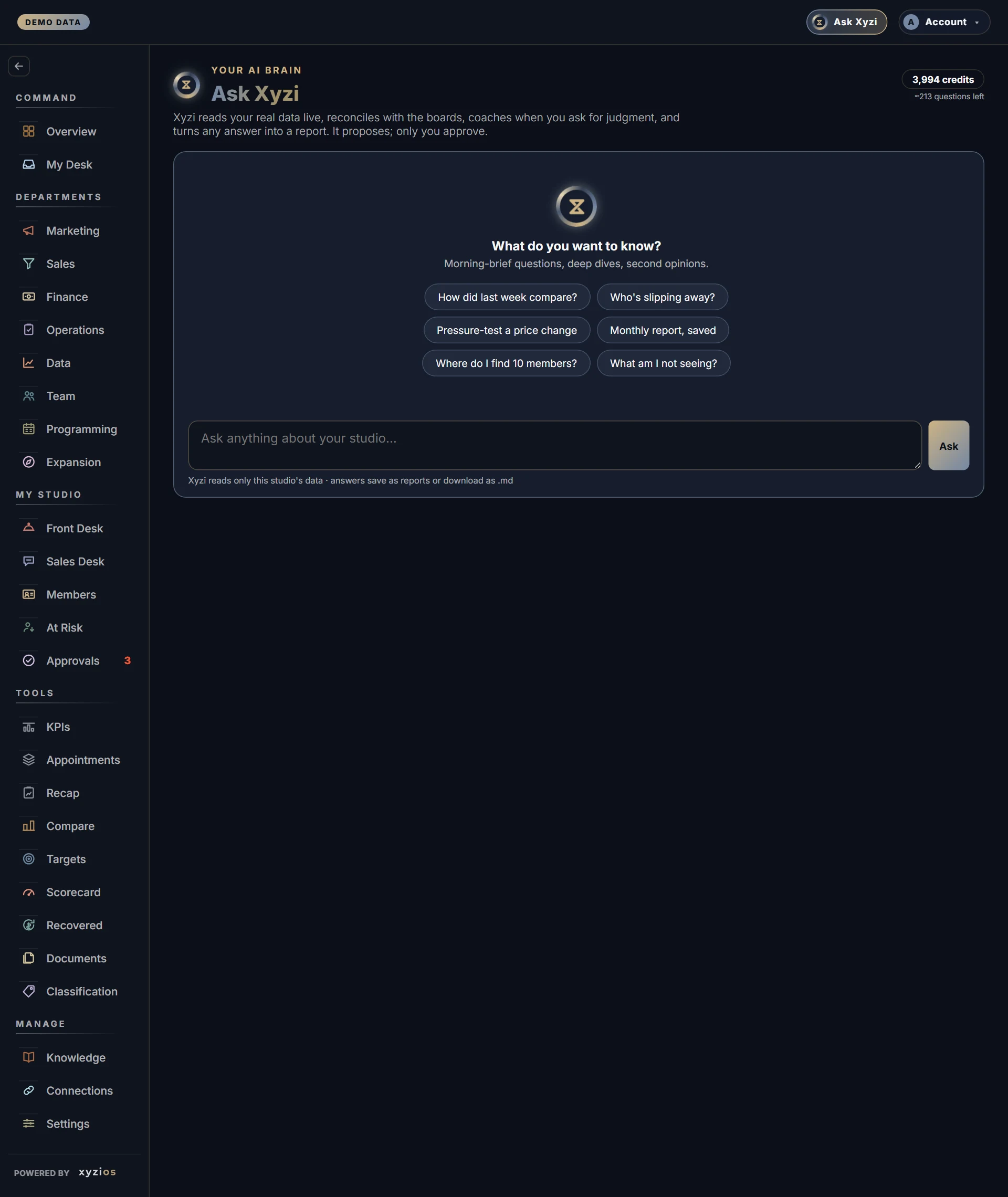
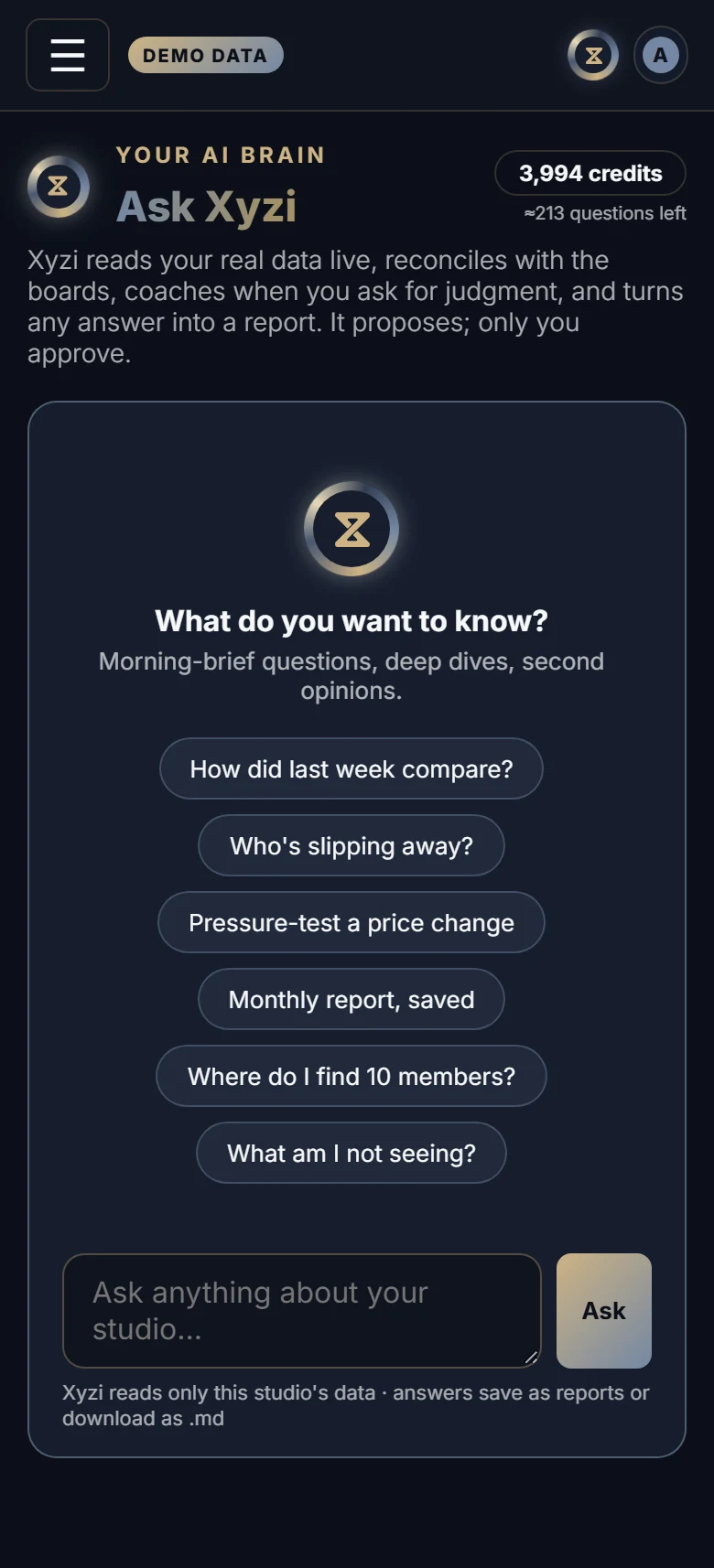
The first screen offers chips. The board you are on leads them, with up to two questions for it (on Retention, Who matters most?; on Programming, What should I move or merge?), then the general ones (2How did last week compare?, Who’s slipping away?, Pressure-test a price change, Monthly report, saved, Where do I find 10 members?, What am I not seeing?), six in all. They vanish after your first question. While Xyzi works you see what it is doing (reading, checking, reconciling with your boards, searching reports, drafting a task), and the finished answer says how many data reads it took. Under every answer: 📄 Open as document, ⬇ .md and Copy.
Xyzi can answer numbers questions from live data, compare windows, draw a bar or line chart inline, read your reports and Knowledge documents, write and save a report, stage a proposal into Approvals, draft an email to a member into Approvals for someone to send, and draft a task for you to create on Tasks. Ask how to do something in Xyzios and it answers from the guides, with ? Open the guide under the answer. Xyzi cannot send, post or change anything, or create a task itself; nor can it see another studio, quote from business books, or discuss how Xyzios is built. When a figure is outside your access it says so rather than answering with a zero.
Ask “how are we doing today?” or “any intros today?” and Xyzi answers in the Sales Desk’s own numbers: the Today card’s counts, each against its daily goal with what today needs to stay on pace, then each location’s counts. If you run a location, it is your locations added up.
Where your studio has Chat, Xyzi sits at the top of your direct messages there: the same conversations, history and credits as this board. In a channel, @Xyzi answers in the thread, where everyone in the channel reads it, so it uses only what all of them can see: the guides, the documents shared with all of them, and the studio’s figures only when everyone who can read the channel is an owner, an admin or a Director. There it can draft a task for whoever asked, but never an email to a member. Ask privately under its answer puts your question in your own conversation with Xyzi, ready to send, where Xyzi answers on your own access. The Chat guide has the details.
What to do here
- Type in Ask anything about your studio… and press Ask. Enter sends; Shift+Enter adds a line.
- Ask for judgment (should I…, pressure-test…) and Xyzi answers as an operating partner: one recommendation, the bet quantified, and a note to check anything financial with your bookkeeper.
- Say “save that as a report”, or accept the offer. Saved answers appear in Documents under Ask Xyzi and open in the report viewer; a report saved — open ↗ link appears in the thread. A saved answer opens for you and the studio’s owners, and nobody else.
- Ask Xyzi to queue a next step. It lands in Approvals as a Xyzi proposal, with reasons and an optional draft, for you to approve or reject. Nothing in Xyzios carries it out: once approved, it becomes a task on Tasks for whoever approved it.
- Ask Xyzi to write to a member (“draft a refund email to the Smiths”). It finds the member and drafts the email into Approvals, where someone who may send member email can edit it and tap Approve & send, or Reject. If you run a location, only members at your locations.
- Ask Xyzi for a task: “remind me to call the plumber tomorrow”, “give Sam a task to restock towels by Friday”, “give the front desk a task to wipe the mats” or “give everyone at Downtown a task to read the new policy”. Xyzi checks the names against your team, and asks when a name or a place fits nobody, or fits two people. Its draft says who the task is for and when it is due, with Create; nothing is made until you tap it. Your own is a private to-do. Several people, or everyone, each get their own copy; a role, such as the front desk, gets one task, and the first of them to take it has it; “anyone” or “the team” is one task open to the team; “at” a location puts it there. This works in Xyzi help too.
- From any board, ✦ Ask Xyzi in the top bar opens the tray over the page. Its header names the board and location you are on, and Xyzi starts from there. The tray and this board are one conversation: the tray has ✦ New, History for your earlier conversations, ↗ for this board, and your credits under the box. On a desk, the pin beside × (Keep open) holds the tray on the screen while you open other boards, so you can follow its directions step by step. Its note then names the board your next question will be about: the one you are on when you press Ask, not the one you opened the tray on. Press the pin again and the tray closes when you change boards, as before. A phone’s tray always closes when you change boards.
- On the Overview, Ask Xyzi on an item writes the question for you and waits: read it, then press Ask. What you type into What do you want to work on today? goes at once.
If you run a location, Xyzi answers within your locations and declines company-wide figures; ask the owner for those. If no location is ticked for you yet, at a studio with more than one, Xyzi says so; the owner ticks yours on your row in Settings → My Team.
Front desk, instructors and bookkeepers get Xyzi help from the top bar, or from ✦ Ask Xyzi at the foot of any guide: how to check someone in, undo a check-in, or what a board means. Xyzi answers from the guides, and from the Knowledge documents your studio shares with your role, such as policies, how-tos and promotions, and offers ? Open the guide. It will not discuss the studio’s numbers with you, by design. It can still draft a task for you to create. When no guide covers the question, it offers to send it to Xyzios support and sends nothing until you say yes; the reply comes to the email you sign in with.
Common questions
Xyzi’s number differs from a board.
Ask which window it used; Xyzi names its windows and reconciles with the boards on request. Boards are rebuilt periodically and Xyzi reads live, so a fresh figure can run slightly ahead of a board.
The Ask Xyzi tray closes when I open a board Xyzi told me about.
That is its default: a new board is a new place to ask from. On a desk, press the pin beside × (Keep open) and it stays until you press ×, press Escape in it, or open the Ask board. The choice is remembered on this device.
Where did Ask Xyzi go?
It is the ✦ Ask Xyzi control in the top bar on every screen, and, where your studio has Chat, Xyzi at the top of your direct messages there. The tray’s History shows your conversations and its ↗ opens the full board with saved answers. If the control reads Xyzi help, your access covers the guides only. Help center is always in your account menu.
Xyzi said it drafted a task. Where is it?
Under its answer, waiting for you to tap Create. Nothing is made before that; once you tap it, the draft says Created and the task is on Tasks.
Can Xyzi email a member for me?
It drafts the email, never sends it. The draft waits in Approvals and leaves only when a person taps Approve & send.
The credits ran out.
Questions and reports stop until there are credits again: the monthly credits renew with the month, and an owner can add more with + Add credits under the meter.
Xyzi says its daily budget is reached.
Apart from the monthly credits, each studio has a daily ceiling on what Xyzi can spend, so one runaway day cannot use up the month. Questions stop until it resets at midnight. There is a weekly ceiling beside it, so a busy day is let through and a busy week is not: if Xyzi says its budget for the week is used up, it frees up day by day as earlier days drop off. Xyzios support sets both: if it stops you often, tell them with Report issue in your account menu.
The answer ends by asking me to ask again, or to say continue.
A long question can take more reading than one turn holds. “Ask again” means Xyzi read the data but ran out of room to write the answer; ask the same question again and it answers. “Ask me to continue” means it reached its limit of reads for one question and answered from what it had read so far; say continue and it picks up where it stopped.