
What this board answers
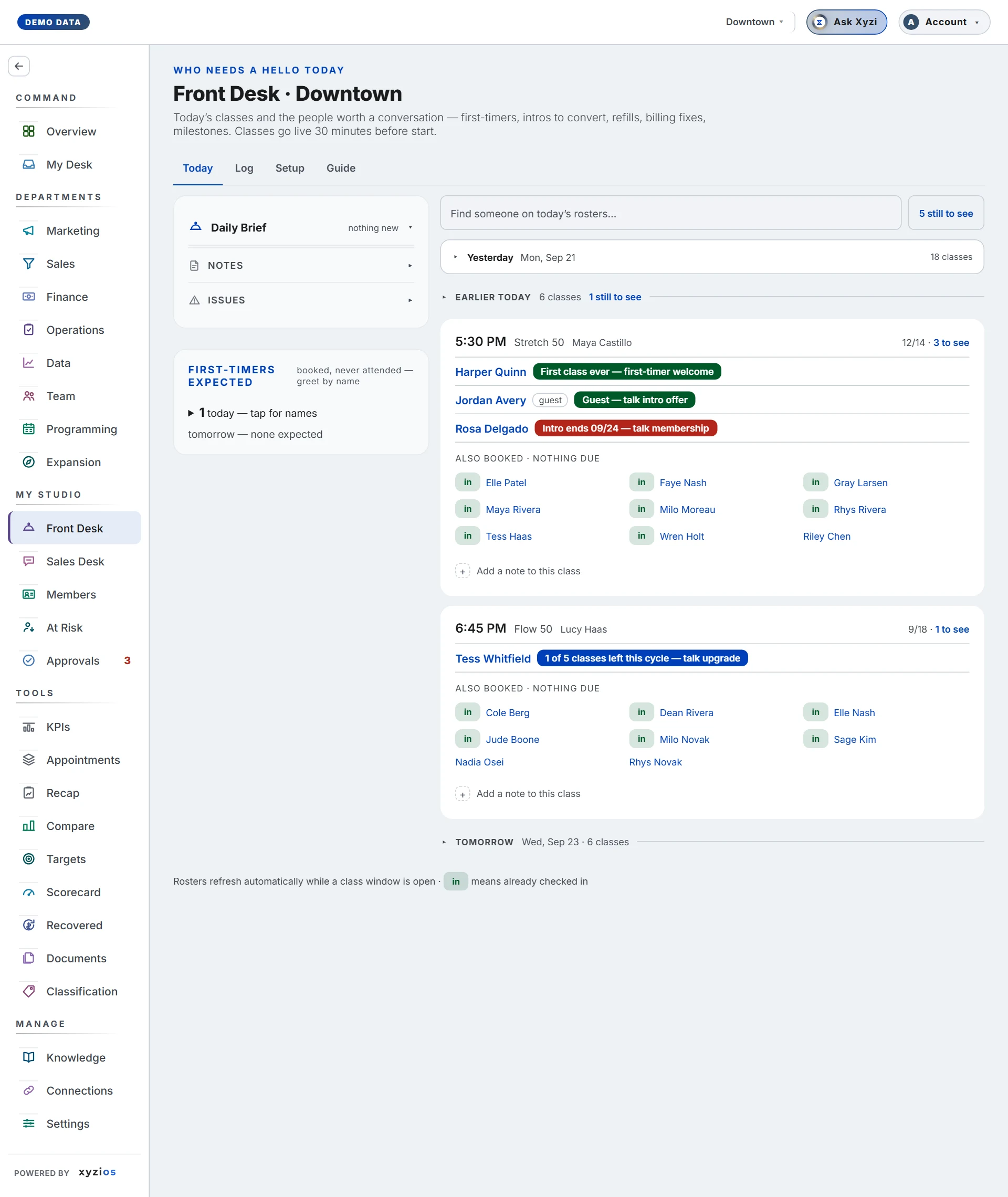
Who is walking in today, and what should we say to them? Front Desk is built for the desk and for instructors, on a phone: every class today, its roster, and a flag beside anyone worth a conversation — first-timers, intros about to end, packs running low, a failing card, a milestone. Classes go live 30 minutes before they start.
How to read it
Four tabs: 1Today, Log, Setup, Guide.
Today on All locations shows one card per location: what is ● LIVE or next, how many classes, and “N to see” by kind. Tap a card for that location.
On a location, top to bottom:
- A strip at the very top when an announcement is marked must read: Read it opens it, Got it acknowledges it. It never blocks the roster.
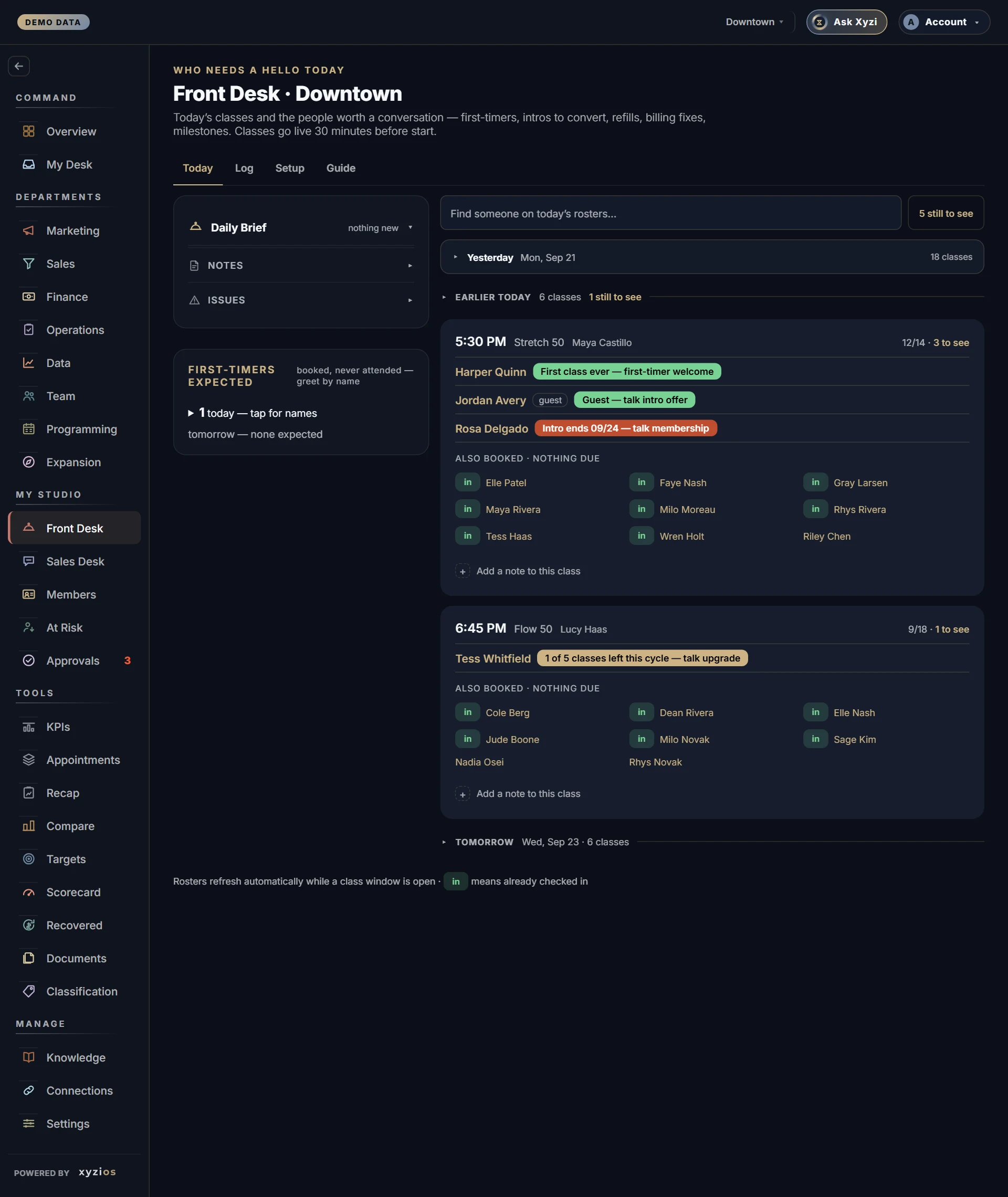
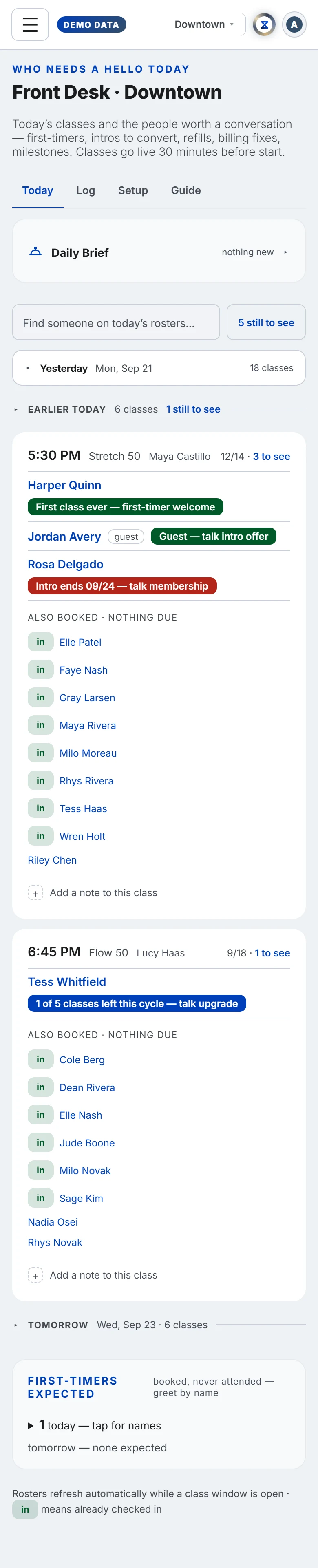
- 2Daily Brief, a collapsible card holding Announcements, Notes (with Add a note) and Issues (with Report an issue). An issue stays until someone taps Mark resolved.
- 3First-timers expected — booked, never attended, today and tomorrow; tap for names.
- Opening checklist, collapsed, showing “x of N” or who completed it.
- 4Find someone on today’s rosters… and an N still to see button that gathers everyone with a flag still waiting.
- Yesterday and Earlier today, collapsed, then each upcoming class, then Tomorrow, then the Closing checklist. Once the last class is done the board rolls to tomorrow and says so under the title.
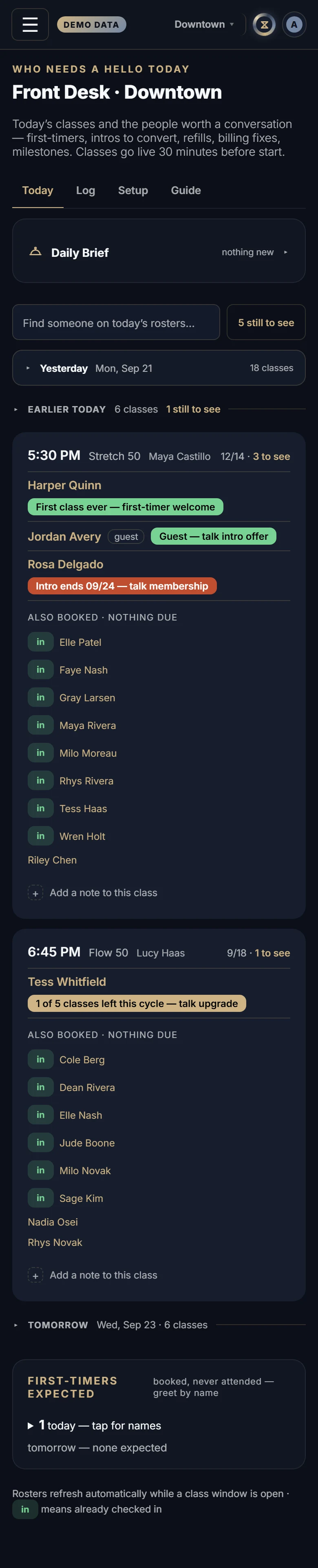
A 5class card shows the time, class type, instructor, ● LIVE when in its window, booked against capacity, and “N to see”. A row is one person: the check-in word, the name (a highlighted name opens the member’s profile; guests stay plain), a warning mark when their account has something to know (amber for unsigned paperwork, red for urgent), and a 6flag such as “First class ever — first-timer welcome” or “Intro ends 08/14 — talk membership” with done? beside it. 7Also booked · nothing due is the rest of the roster. Under the card sit Before class, After class and Add a note to this class.
Log is the record: what was marked done, by whom, on which class, over Today, 7 days or 30 days, filtered by person or action, with checklist ticks and who acknowledged which announcement below.
Setup is where announcements are written and the checklists are edited, for the location on the location bar or for all of them. The desk and instructors read here, not post.
If your access is fenced to a location you see that site’s day only.
What to do here
- Mark a flag done: tap done?. The chip stays, labelled done, on every class that person is in today. Nothing is sent to the member; it records that a human handled it. Tap the done chip to put it back, today only.
- Check someone in: tap check in, then confirm?. This is the one action on the board that writes to your booking platform. The word becomes in; tap in, then undo?, to take it back. A refusal leaves the row as it was and says why.
- Tick a checklist item: tap the row; your name shows beside it.
- Read a must-read: Read it, then Got it on each.
- Leave a note or report an issue: the add rows in the Daily Brief. Reply, Edit and Remove sit under each; Mark resolved closes an issue.
- Find a person: type a name or tap N still to see; Clear resets.
- Post an announcement (owner or manager): Setup, then title, text, an optional end date, links, Must read and who has to read it, then Post. The row then shows “x of N read” and who is still waiting.
Common questions
There is no check in word beside anyone.
Check-in is switched on per studio; until then the board only reads arrivals, and it is offered on today’s classes only.
The booking platform refused a check-in.
The message says why. On Mariana Tek a person with an unsigned waiver cannot be checked in from here; finish it in the platform. The row goes back to what it was.
A flag I marked done is back.
From tomorrow a done flag is hidden for 7 days, or 2 for an ending intro, then returns if it still applies. That is normal.
Someone booked a minute ago is not on the roster.
Rosters refresh on their own while a class is in its window, and each time you reopen the board.
Why does the warning mark not say what is wrong?
On purpose: this screen is read with the member at the desk. Tap the mark to open the profile, where the words are.