
Start in the app
These three steps are the same on every device.
- Open app.xyzios.com in your browser and sign in. On an iPhone or iPad use Safari if you can. On an Android phone or a computer use Chrome, or Edge on a computer.
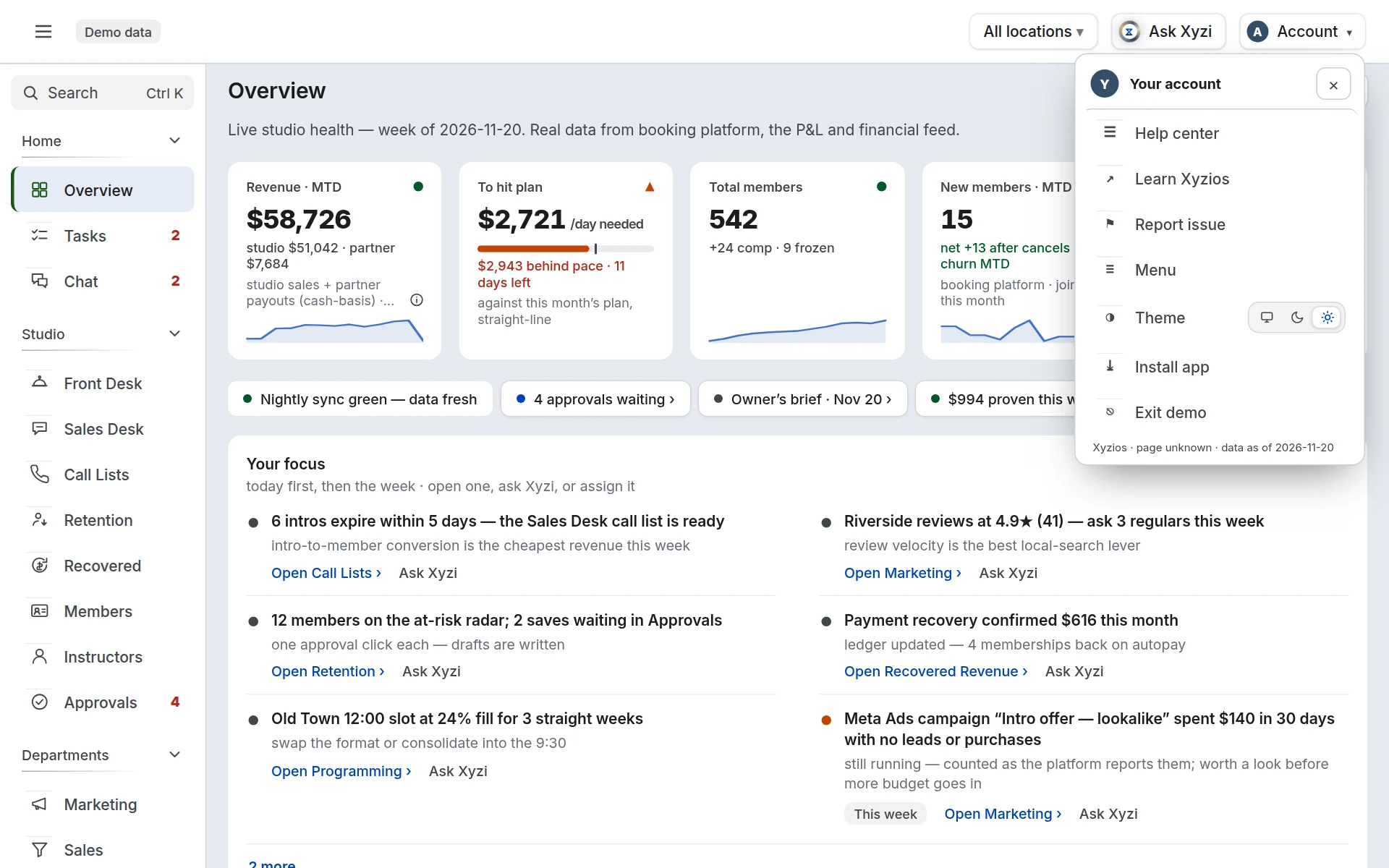
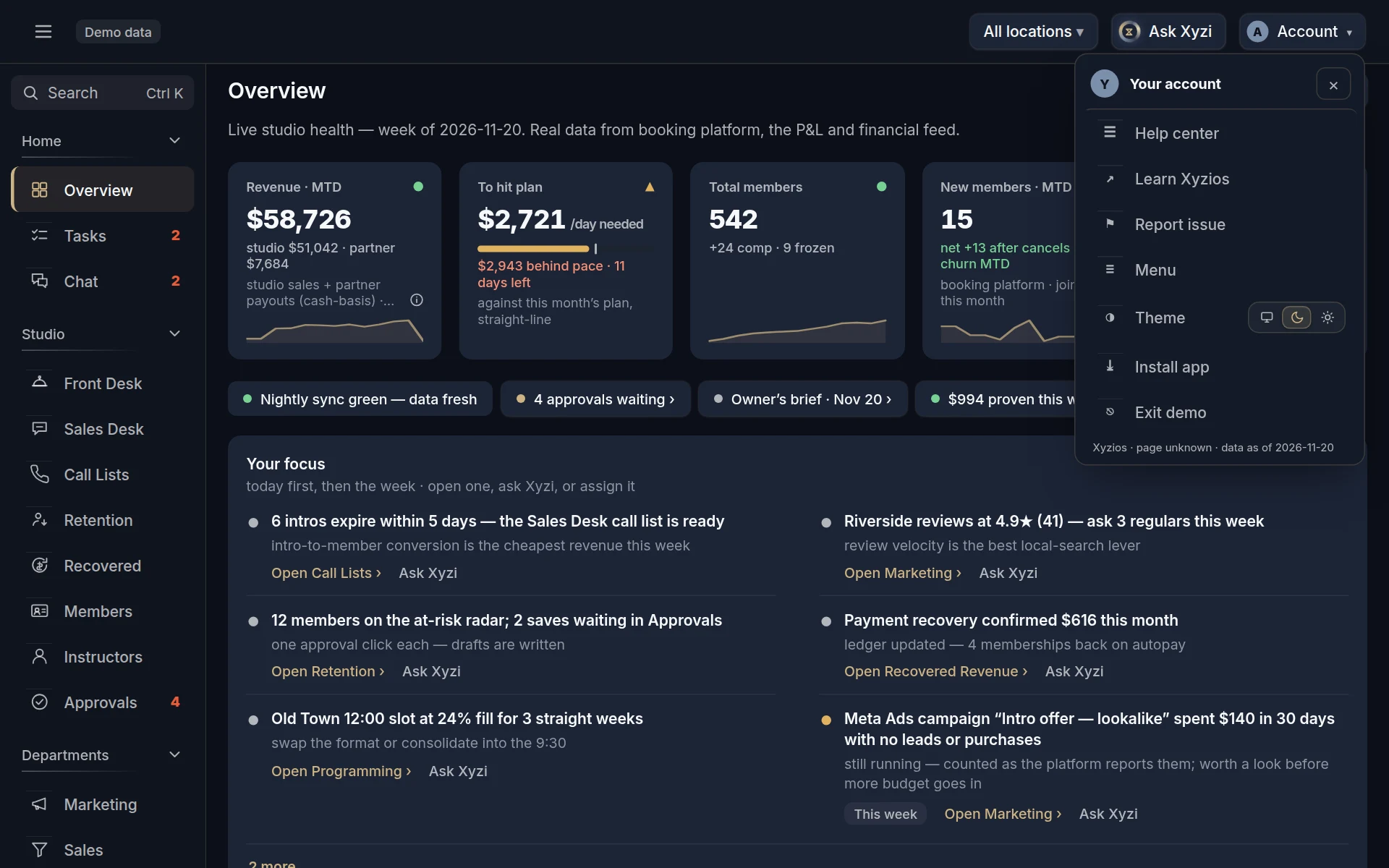
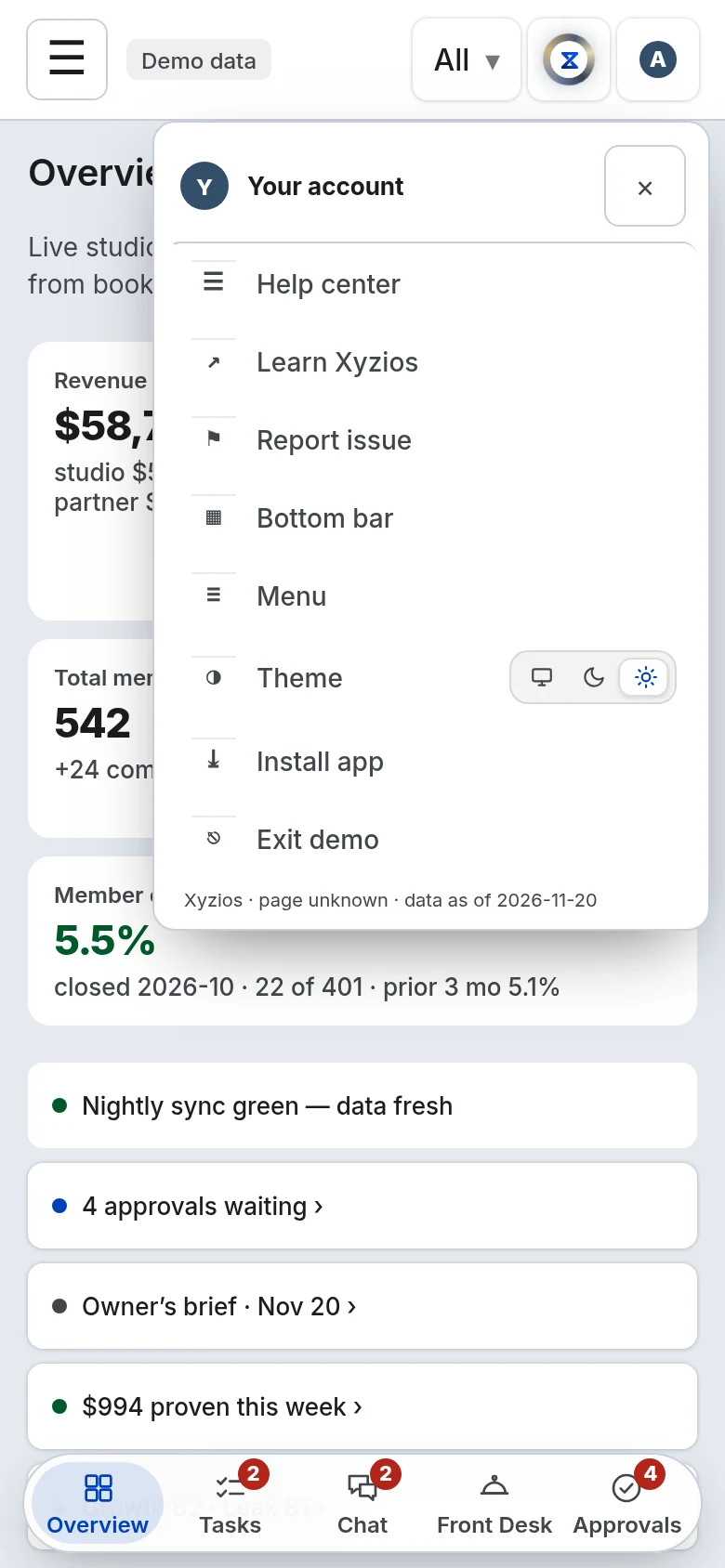
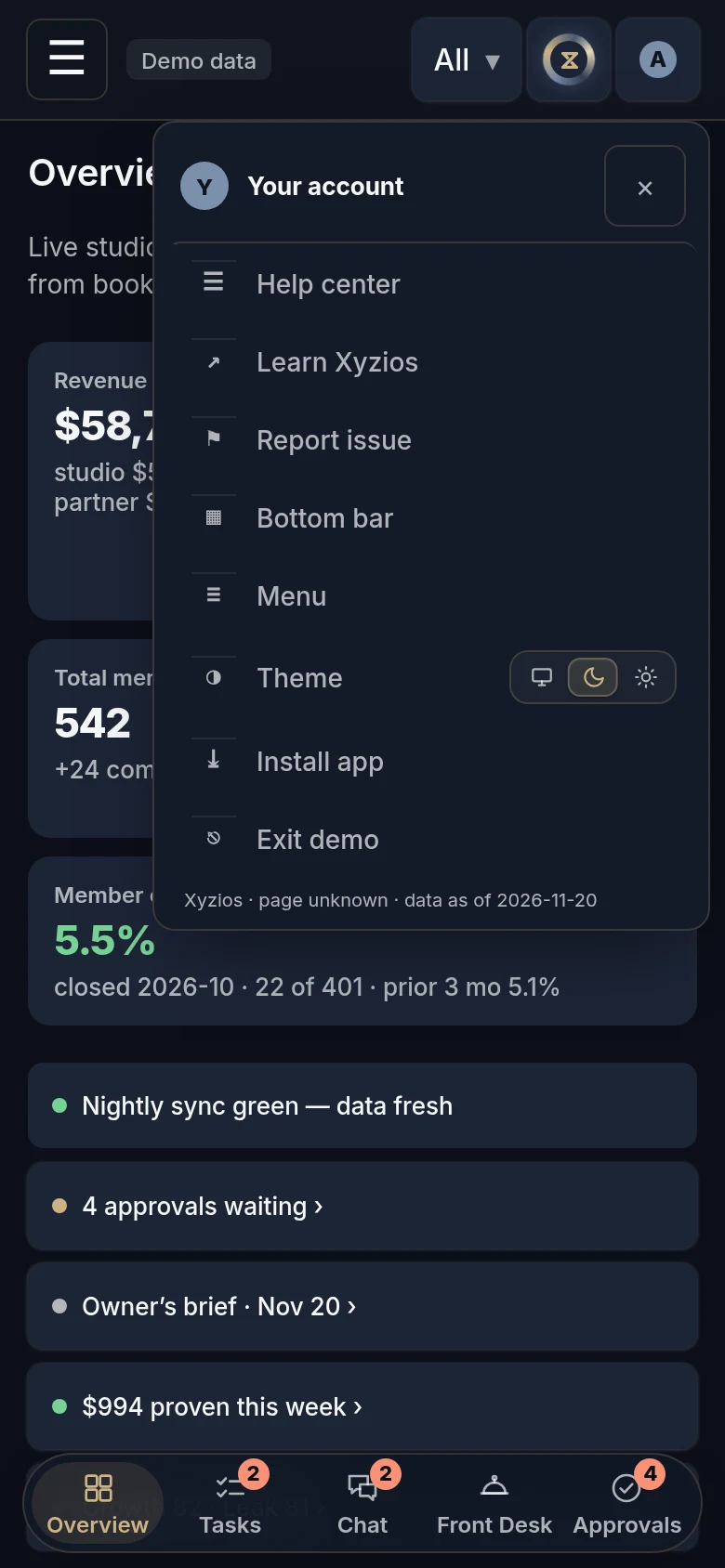
- Open the account menu: your initial, top right.
- Tap 1Install app. What happens next depends on your device, so go to its section below.
Install app appears only when your browser can install Xyzios, or on an iPhone or iPad where it is not installed yet. If it is not in the menu, Xyzios may already be installed. Each section below says what to do if it is not.
iPhone or iPad
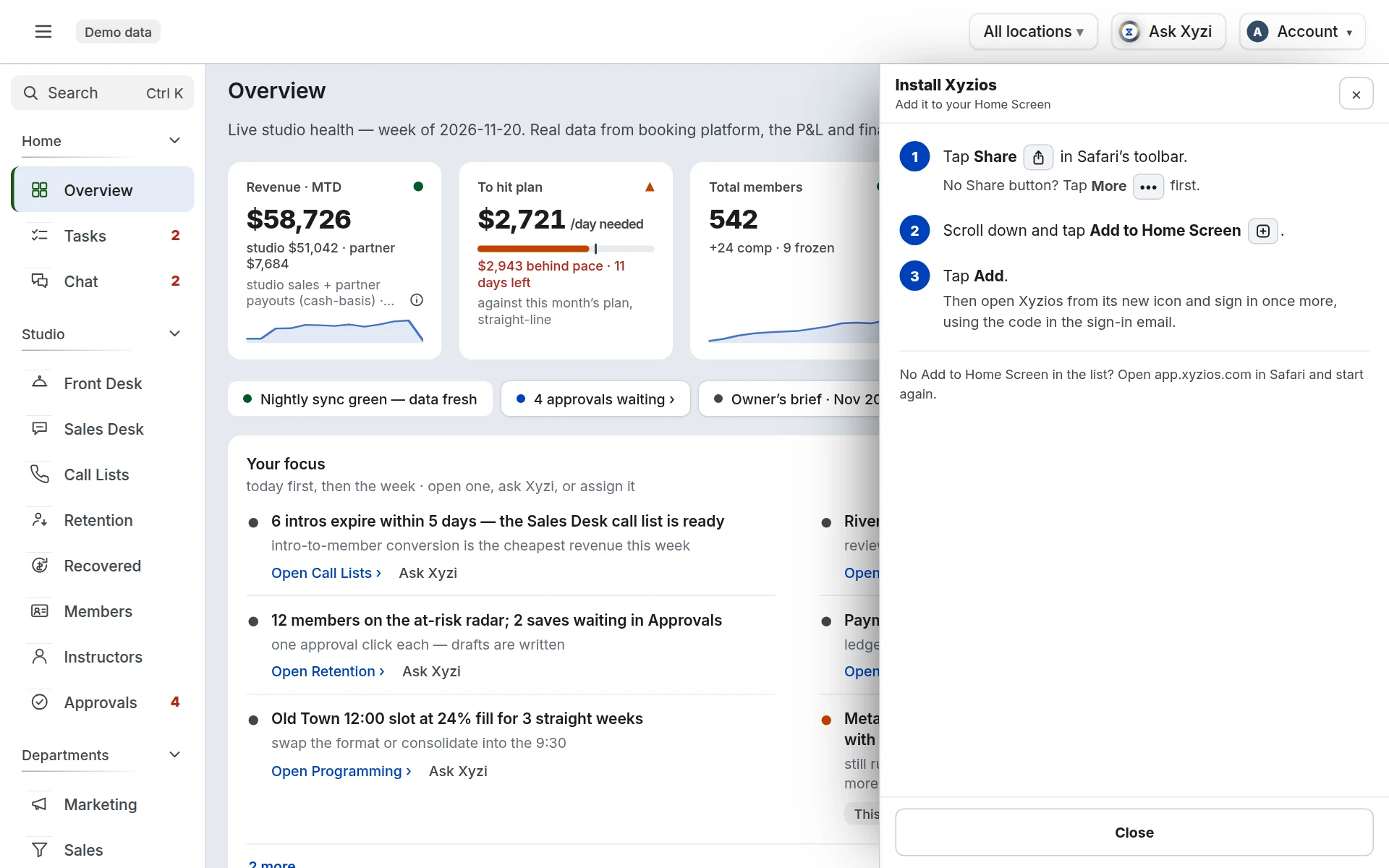
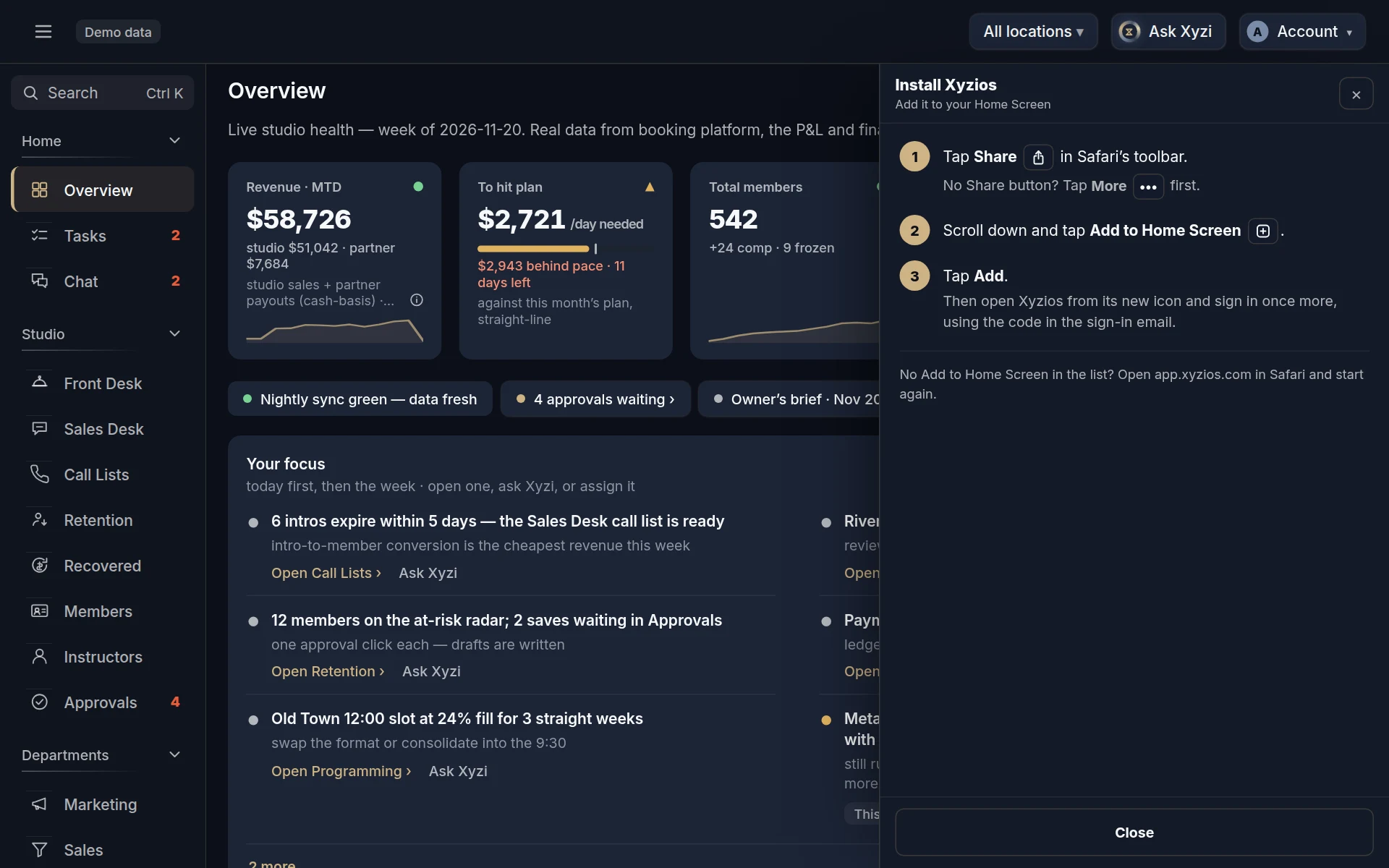
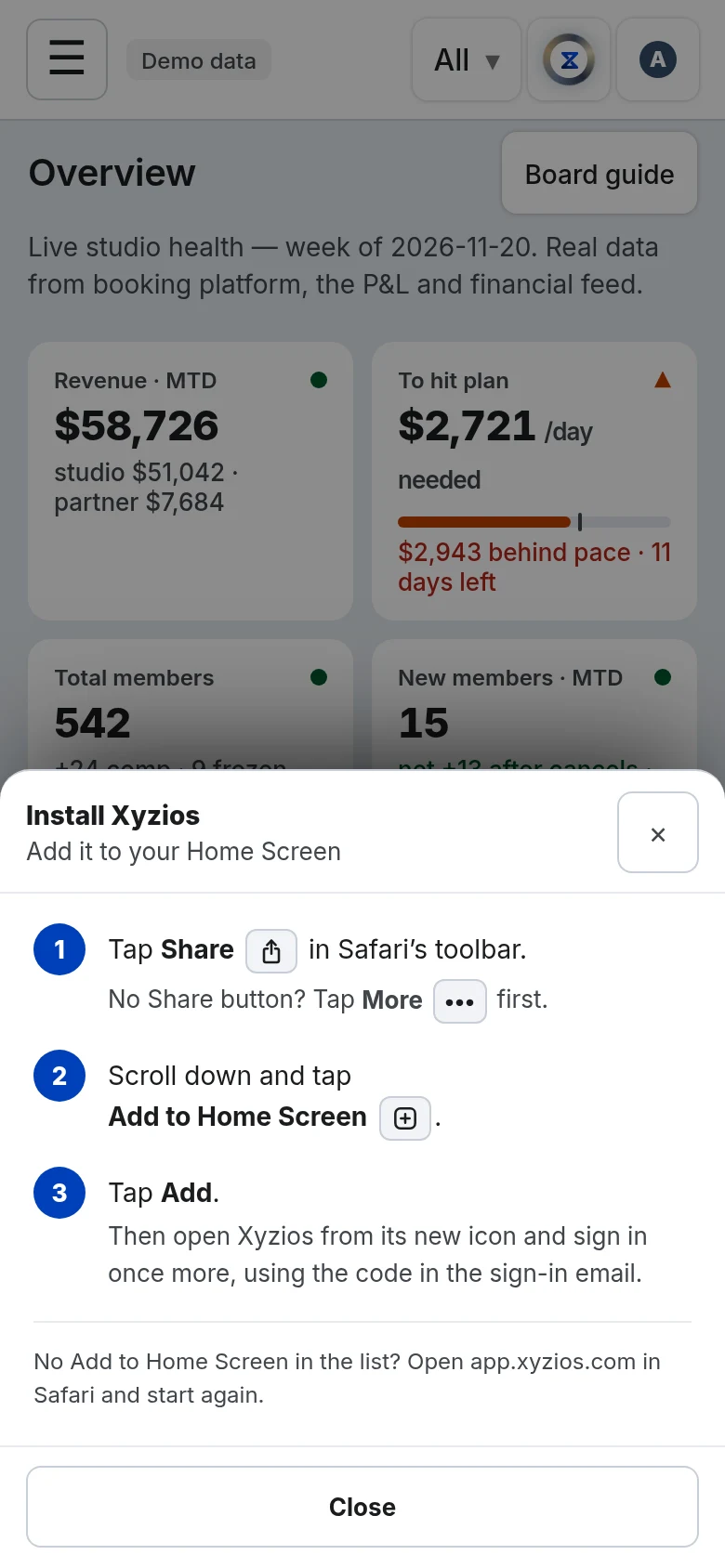
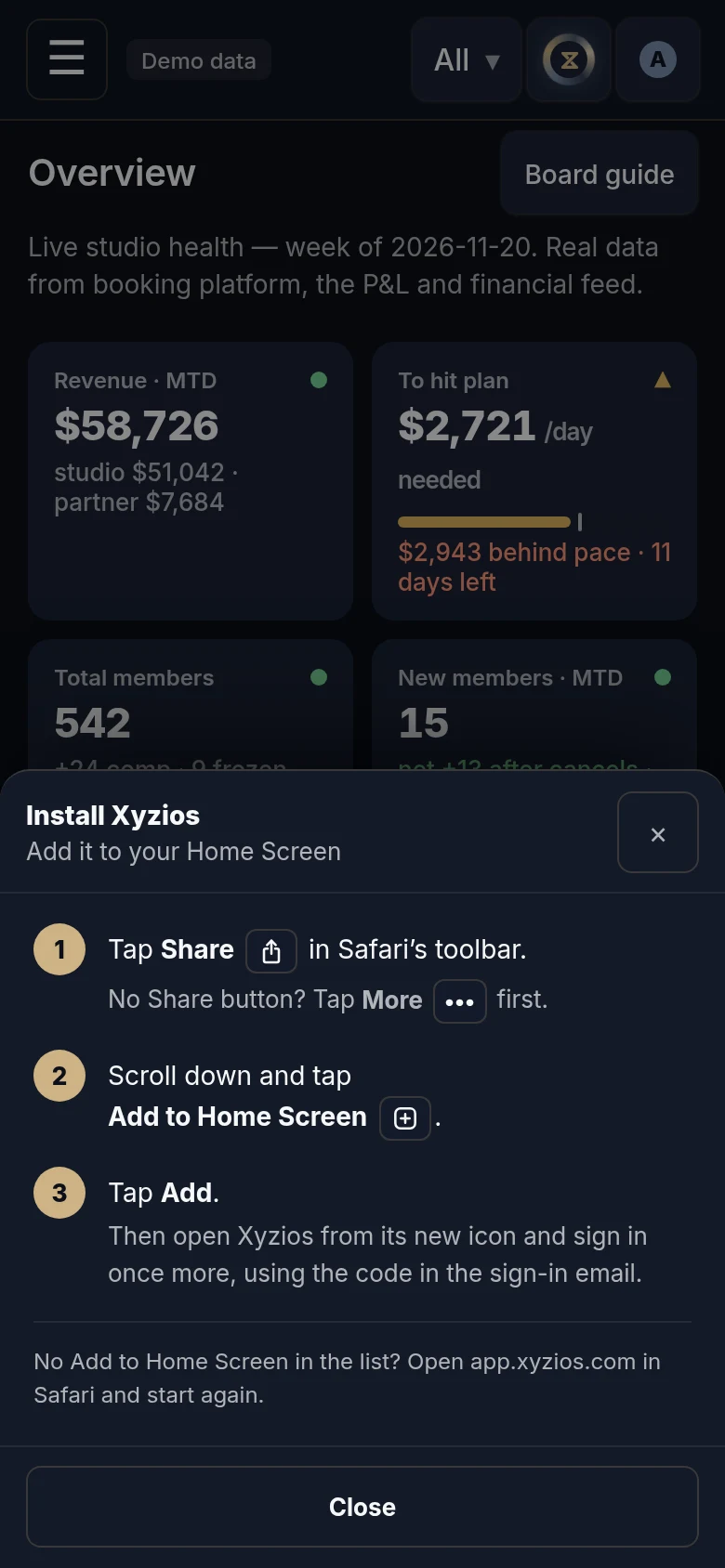
Your iPhone or iPad cannot install Xyzios from a button in the app, so Install app opens a sheet with the steps. It stays open until you close it.
- Tap Share in Safari’s toolbar. If you cannot see it, tap More (the three dots) first. In Chrome, Edge or Firefox, Share is by the address bar, or in the browser’s menu.
- Scroll down the list and tap Add to Home Screen.
- Tap Add, top right. Leave the name as it is.
- Close the sheet in Xyzios, then go to your Home Screen and open Xyzios from its new icon.
- Sign in once more, with the code in the sign-in email. The installed app has its own sign-in.
- Tap ShareIn Safari's toolbar. No Share button? Tap More (the three dots) first.app.xyzios.com
- Tap Add to Home ScreenScroll down the list until you reach it.CopyAdd to FavoritesAdd to Home Screen
- Tap AddTop right. The name stays as it is.CancelAddXyziosapp.xyzios.com
- Open XyziosFrom its new icon on your Home Screen.
Drawings of your phone's or browser's own screens, not screenshots. Yours may look a little different.
If Add to Home Screen is missing from the list, open app.xyzios.com in Safari and start again.
If Install app is not in the account menu, Xyzios is already installed on this iPhone or iPad. Look for its icon on your Home Screen.
Android phone
- Tap Install app. Chrome’s own install box opens.
- Tap Install.
- Open Xyzios from its new icon on your home screen.
- If it asks you to sign in, use the code in the sign-in email.
- Tap InstallChrome's own box, after you tap Install app.Install appXyziosapp.xyzios.comCancelInstall
- Open XyziosFrom its new icon on your home screen.
- No Install app?In Chrome's menu (the three dots), tap Add to Home screen or Install app.New tabHistoryAdd to Home screen
Drawings of your phone's or browser's own screens, not screenshots. Yours may look a little different.
If Install app is not in the account menu, open Chrome’s menu (the three dots, top right) and tap Add to Home screen or Install app.
Computer, in Chrome or Edge
- Click Install app. Your browser’s own install box opens.
- Click Install.
- Xyzios opens in its own window. To keep it close, pin it to your taskbar or Dock.
- If it asks you to sign in, use the code in the sign-in email.
- Click InstallYour browser's own box, after you click Install app.Install appXyziosapp.xyzios.comCancelInstall
- Xyzios opens in its own windowWith no address bar, and an icon you can pin.XyziosYour boards
- No Install app?Look for the install icon at the end of the address bar.app.xyzios.com⤓
Drawings of your phone's or browser's own screens, not screenshots. Yours may look a little different.
If Install app is not in the account menu, look for the install icon at the end of the address bar. In Edge you can also open the menu (the three dots), then Apps, then Install this site as an app.
Good to know
- The installed app is the same Xyzios, with the same boards and the same sign-in.
- On an iPhone or iPad, notifications work only in the installed app. Once it is on your Home Screen, open it from there and tap Notifications in the account menu: Turn on notifications.
- On a phone, the bar along the bottom holds five of your boards, and the button at the top left opens the rest. Choose your bottom bar to pick your own five.