
What this board answers
What does Xyzios know about your studio that the booking platform cannot tell it? This is where an owner teaches the AI team: how the studio talks, what it never says, its prices and policies, and where people book. Every Xyzi answer and every draft an agent writes for a member starts from what is on this page.
How to read it
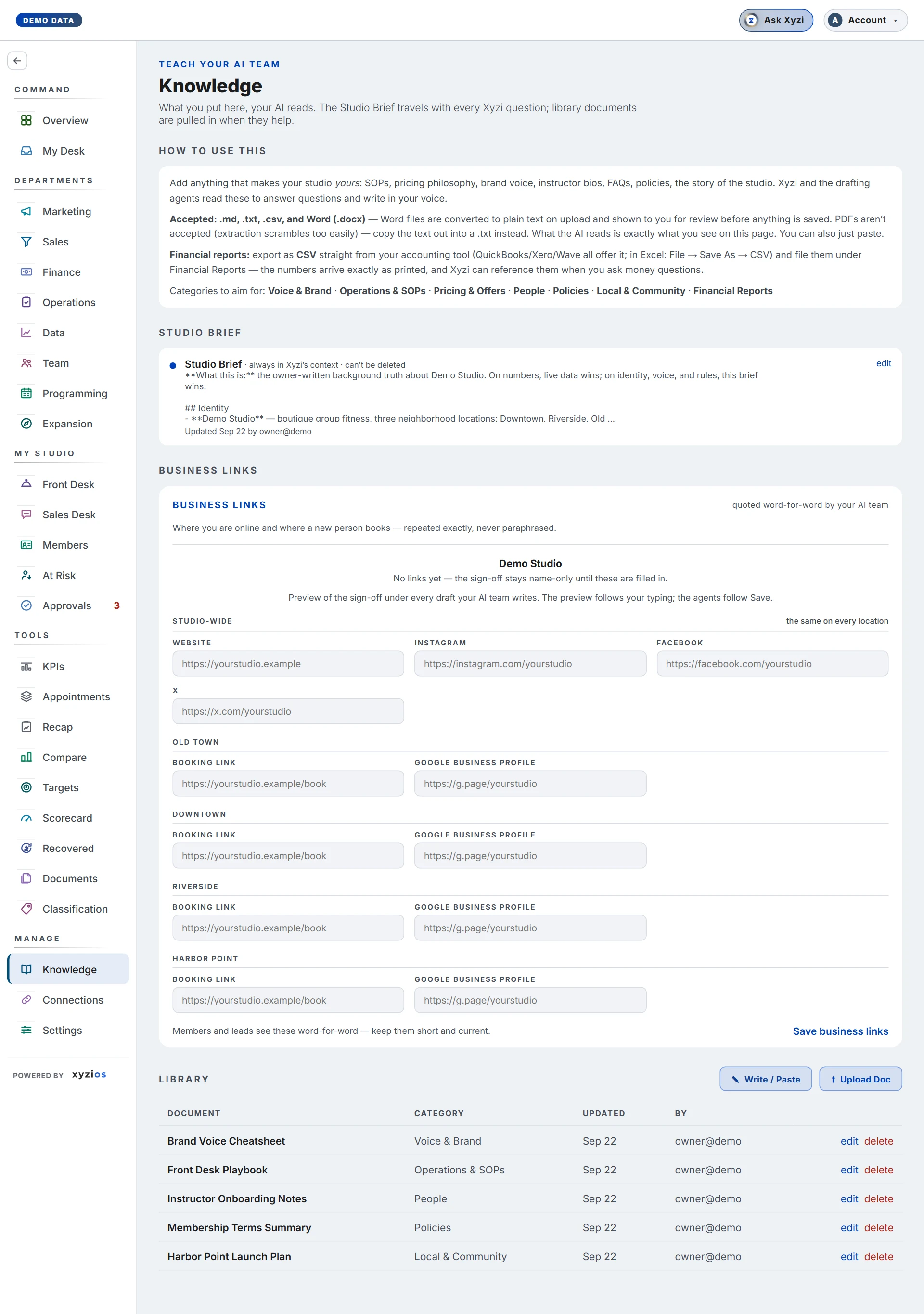
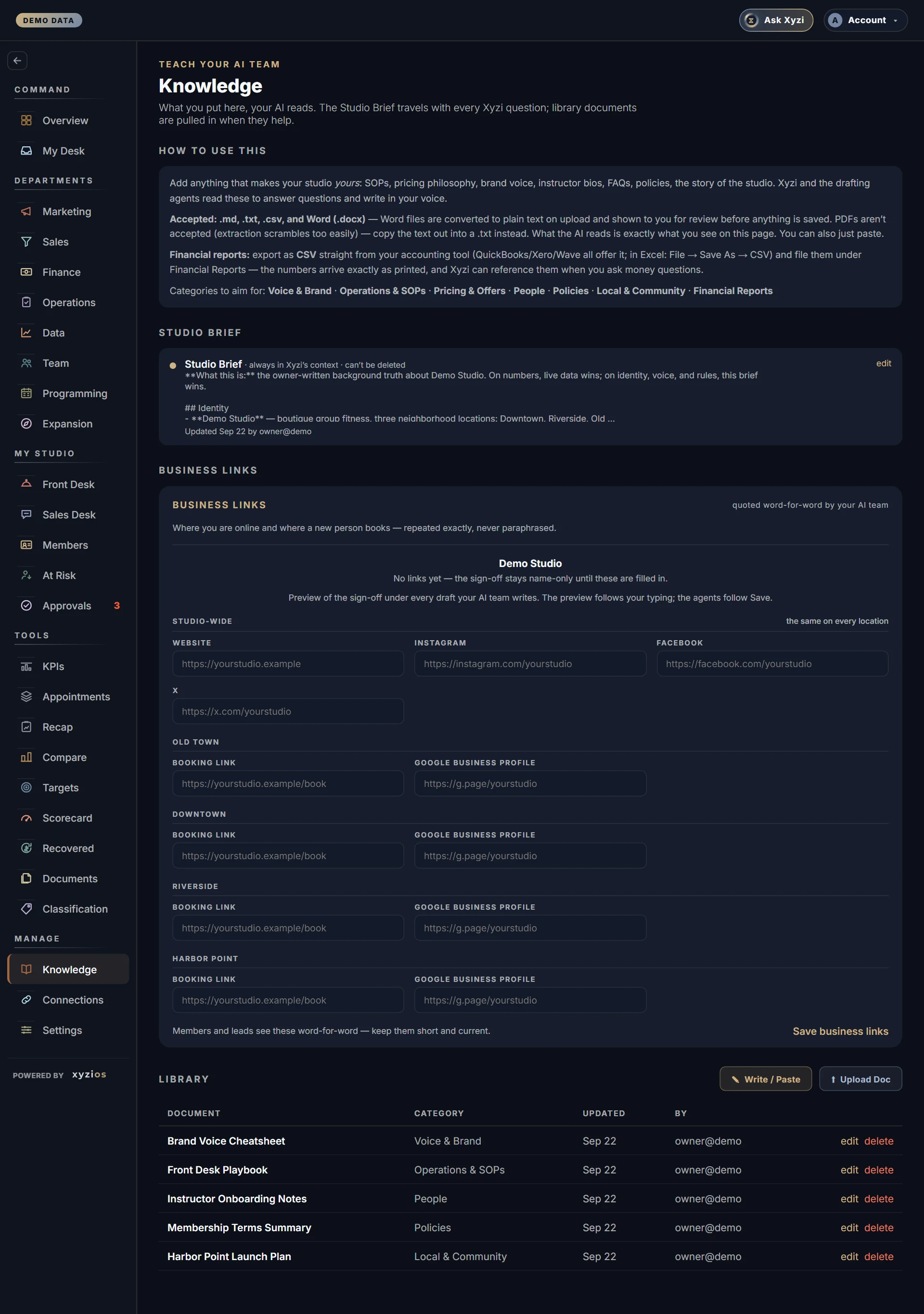
The page opens with 1How to use this: what to add, which files are accepted (.md, .txt, .csv and Word .docx; PDFs are not, copy the text out instead) and the categories to aim for: Voice & Brand, Operations & SOPs, Pricing & Offers, People, Policies, Local & Community, Financial Reports.
- 2Studio Brief is the one document Xyzi reads on every question and every agent reads before every draft. The card shows its first lines, when it was updated and by whom. It can be edited, never deleted. Until one exists the card reads No Studio Brief yet.
- 3Business links is the structured half: Website, Instagram, Facebook and X for the whole studio, then Booking link and Google Business profile per location. Above the fields is a preview of the sign-off that goes under every draft your AI team writes. The preview follows your typing; the agents follow Save.
- 4Library lists every other document with its Category, Updated date and By. Xyzi pulls a library document in when the topic comes up, not on every question.
Directors can open this page and read all of it. Only an owner or admin sees edit, delete, Write / Paste, Upload Doc and Save business links; the sentence under the title says which you are.
What to do here
- Write the Brief first. Click write it (or edit on an existing Brief), keep it short, factual and current, then Save Studio Brief. It reaches Xyzi on the very next question. The counter under the editor shows the 20,000-character cap.
- Give the Brief a Hard rules heading. Bullets under a heading that says rules, never or taboo become standing rules every drafting agent writes by, and they appear on the Agents board as Your studio’s rules.
- Fill in Business links and click Save business links. Use full addresses starting with https://. Members and leads see these word-for-word.
- Add library documents with Write / Paste or Upload Doc and pick a category. A Word file is converted to plain text and shown to you before anything is saved. For accounts, export CSV from your accounting tool and file it under Financial Reports.
- To remove a document click delete. Xyzi and the agents stop reading it at once and it cannot be undone.
Common questions
I am a Director and there are no edit buttons.
By design. The Brief rides with every Xyzi answer and every member message, so an edit here changes what the studio says to its members. Ask an owner or admin.
A blog draft or reply ignored something in a document.
Agents read the categories that fit the job. The blog writer takes experience content from Voice & Brand only, and it never cites a statistic or an unannounced location even when a document does. Keep public-safe positioning under Voice & Brand and plans under Local & Community.
Can I upload a PDF or an Excel file?
No. Copy a PDF’s text into a .txt file. For Excel, use File then Save As CSV and upload the .csv.
What does the AI actually read?
Exactly what you see here, nothing hidden: the Brief every time, a library document when the topic matches, business links quoted verbatim.
I pressed cancel and lost my edit.
The editor asks before discarding unsaved changes; once discarded they are gone. Save often, or draft long documents elsewhere and paste them in.