
What this board answers
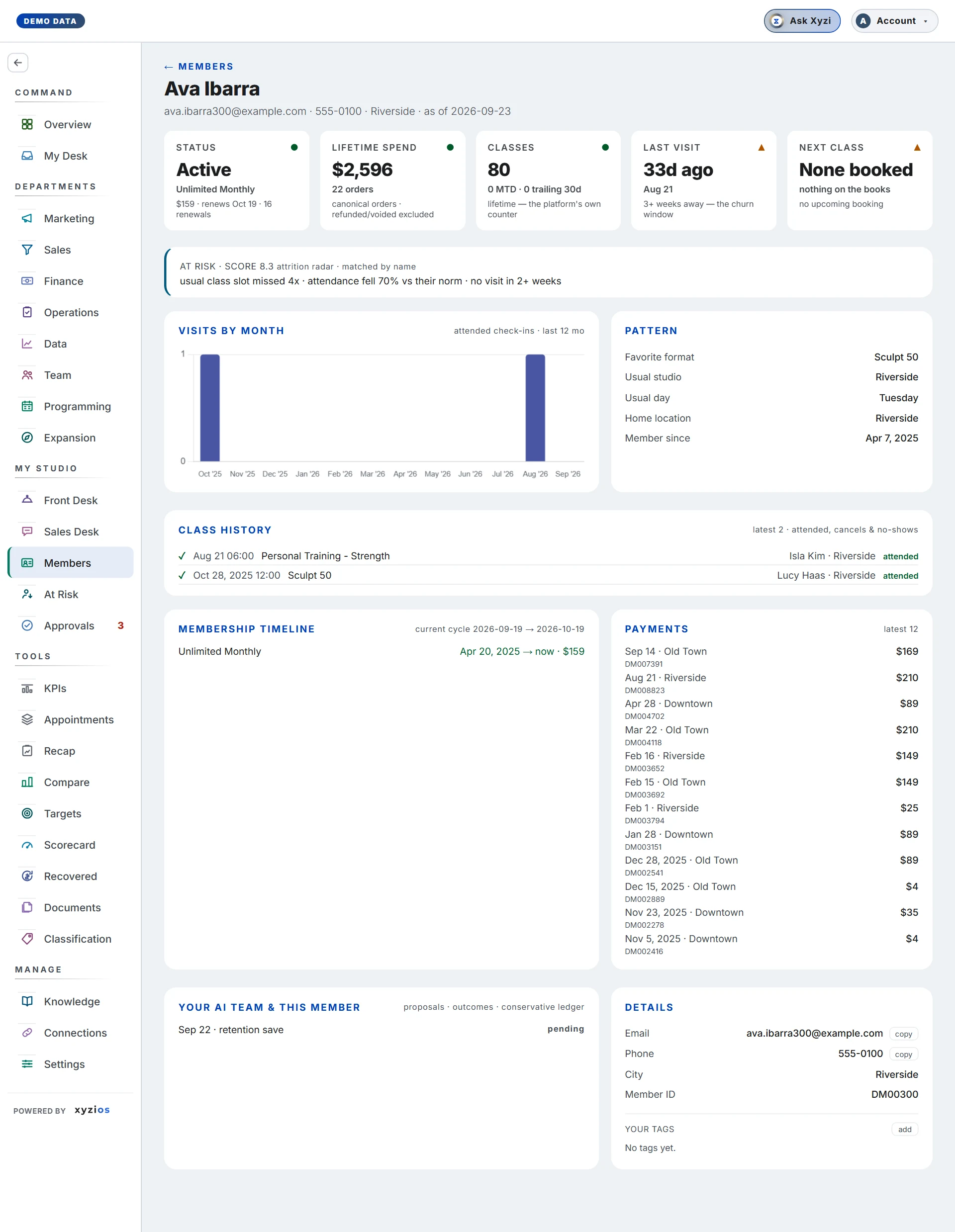
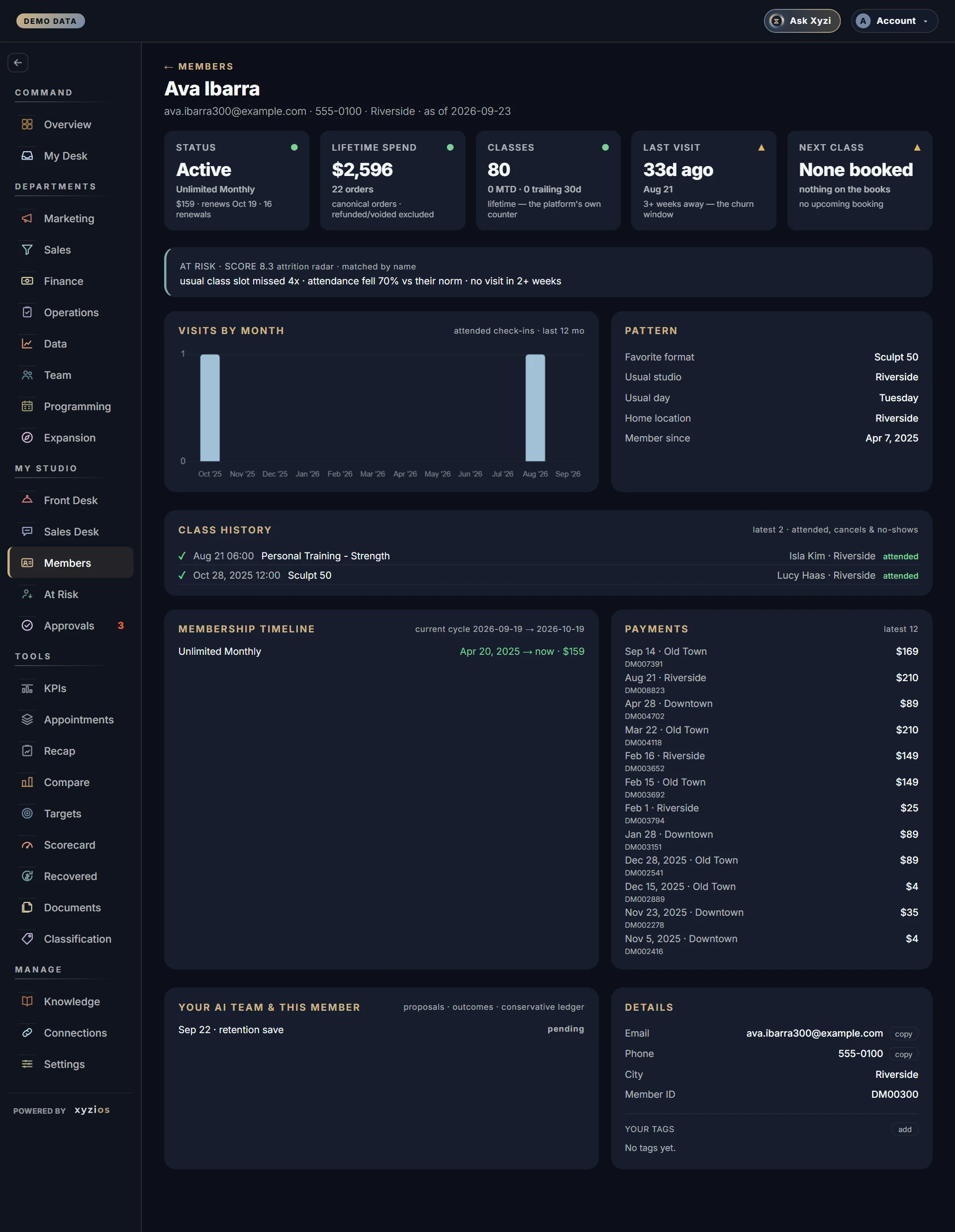
Who is this person, and what is going on with them? Members is a search box and, behind it, Member 360: one page per person with their membership, visits, payments, account alerts and every proposal your AI team has made about them. Every other board that shows a name — Front Desk, Sales Desk, At Risk, Approvals — opens the same page.
How to read it
Type two or more characters into Search by name or email…. Up to 25 matches appear with their email and joined date; tap one.
The profile, top to bottom:
- The header: name, email, phone, home location and the “as of” time. The link at the top left takes you back to the board you came from.
- Before they come in — alerts from your booking platform, staff only. Red is urgent (a staff alert or a pinned note); amber is paperwork, naming the unsigned document. Profile note sits under them and is visibly not an alert. The panel is absent when there is nothing to know.
- The cards: 1Status (Active, Frozen, Intro offer, Comp, Payment issue, Former member or Prospect, with the rate, billing interval, renewal date and any freeze end), Lifetime spend with the order count, Classes (lifetime from the platform’s own counter; month to date and trailing 30 days from attended check-ins), 2Last visit (amber past three weeks, the churn window), Next class, and Classes left when the membership has an allowance.
- At risk · score when the Attrition radar lists them, with its reasons. The match is by name and says so.
- Upcoming, when two or more classes are booked.
- 3Visits by month (attended check-ins, last 12 months) beside Pattern: Favorite format, Usual studio, Usual day, Home location, Member since.
- 4Class history — the latest 40: ✓ attended, ✗ no-show, − cancelled or late cancel, ○ booked with no check-in.
- Membership timeline with the current cycle, and 5Payments — the latest 12 orders with the order number, plus any failed or penalty charges and whether they were collected.
- 6Your AI team & this member — proposals, their status, and any Recovered Revenue entries.
- 7Details — email and phone with copy, birthday with age and how far away it is, city, member ID, tags from the platform (read only, rewritten by every sync) and Your tags.
Anyone who can open Members sees the same profile. Front desk and instructors also reach it from a roster name.
What to do here
- Search, then tap the match. From another board, tap a highlighted name.
- Read Before they come in first when the person is on their way.
- Tap copy beside the phone or email to take it to your phone or mail.
- Tap add under Your tags, type a label, and it is saved; × removes one. Platform tags cannot be changed here.
- Tap the back link to return to the roster or list you came from.
The page is for reading and reaching out. Checking someone in happens on Front Desk; anything your AI team proposes for them waits on Approvals.
Common questions
The search finds nobody.
It needs at least two characters and matches names and emails only. Check the spelling the booking platform uses.
Why does Classes not match the platform?
The big number is the platform’s own lifetime counter. Month to date and trailing 30 days count attended check-ins Xyzios has seen, which starts when the studio connected.
What does Prospect mean?
A profile with no membership on record, ever. Former member means there was one once.
The roster only showed a mark; here it shows words.
On purpose. A class list is read with the member at the desk, so the roster carries a mark and the profile carries the text.
Can I fix a wrong phone number here?
No. Name, email and phone come from your booking platform; change them there and the next sync brings them over. Your tags are the only thing edited on this page.
Why does a membership read $49/wk?
The billing interval is the platform’s own word for that membership, shown as it bills.