
What this board answers
Which members are drifting away, how badly, and whether anyone has already reached out. It is the working list for whoever makes the save calls: the owner, a Director, a Location Manager, or a front desk that has been handed the list. Nothing on this board contacts a member. Saves are proposed by the Attrition agent and wait in Approvals.
How to read it
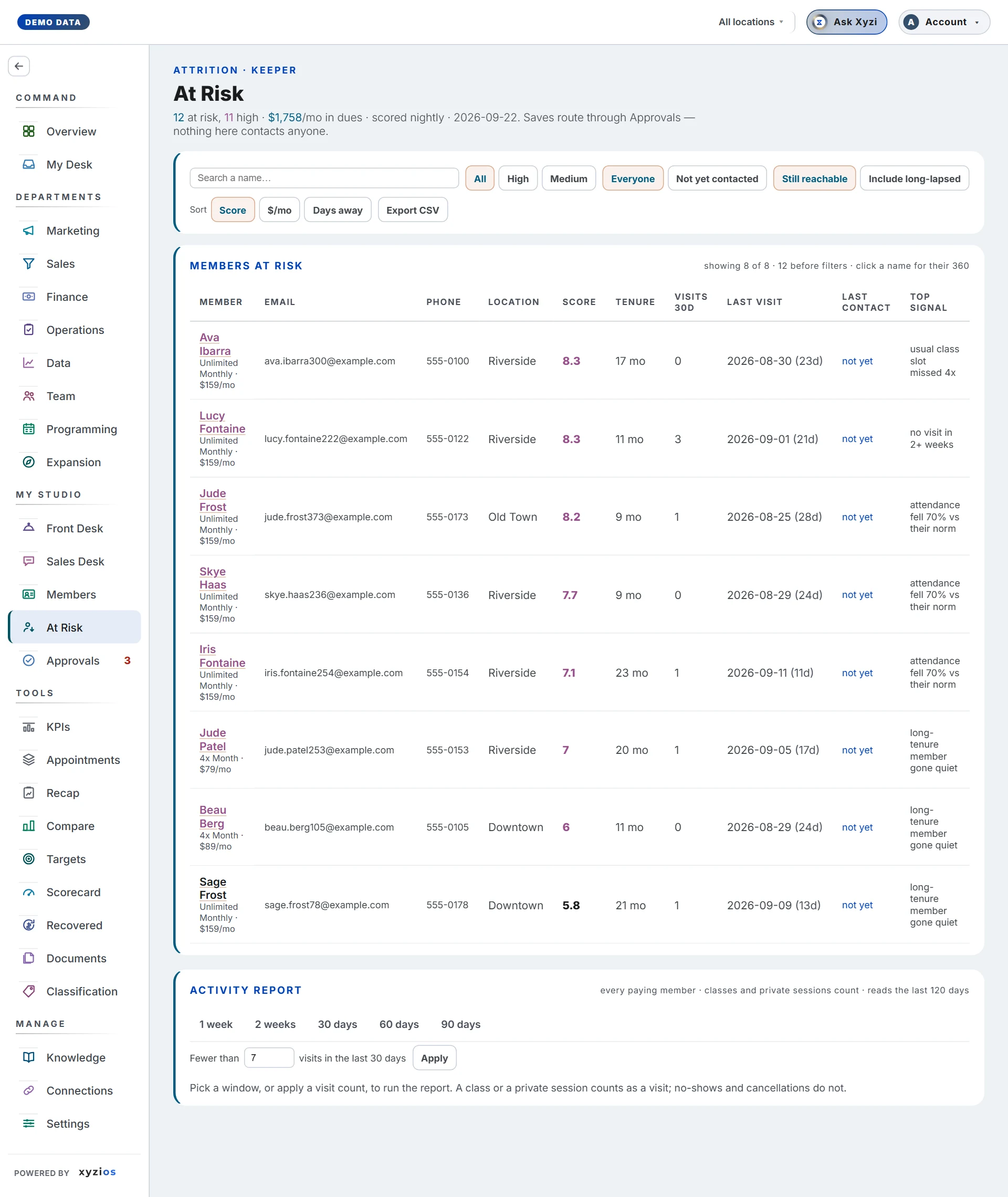
The header states how many are 1at risk and how many are high, and that the list is scored nightly with the date of the last scoring. While the studio is new to Xyzios it may add signals still learning: the weights are standard ones until enough of your own cancellations have been seen. If your access is fenced to your locations, a banner reads Scoped to your locations, and members whose location was never recorded are left out rather than guessed.
The location switcher in the top bar scopes this board like every other one; there is no second picker on the page.
The controls sit in one row:
- 2Search a name… narrows the list as you type.
- 3All / High / Medium. High is a score of 6 or more; the list starts at 3.
- 4Everyone / Not yet contacted. Contact means an outreach that actually went out, read from the Approvals record. A rejected proposal counts as not contacted, because nobody spoke to them.
- 5Still reachable / Include long-lapsed. The default hides people more than 30 days out, because on a studio’s first day the list is mostly people who left long before Xyzios saw them. Members in payment failure stay reachable regardless.
- Sort by Score, $/mo or Days away. Front desk sees no money on this board, so $/mo is not offered to them.
- Export CSV downloads the filtered list, email and phone included.
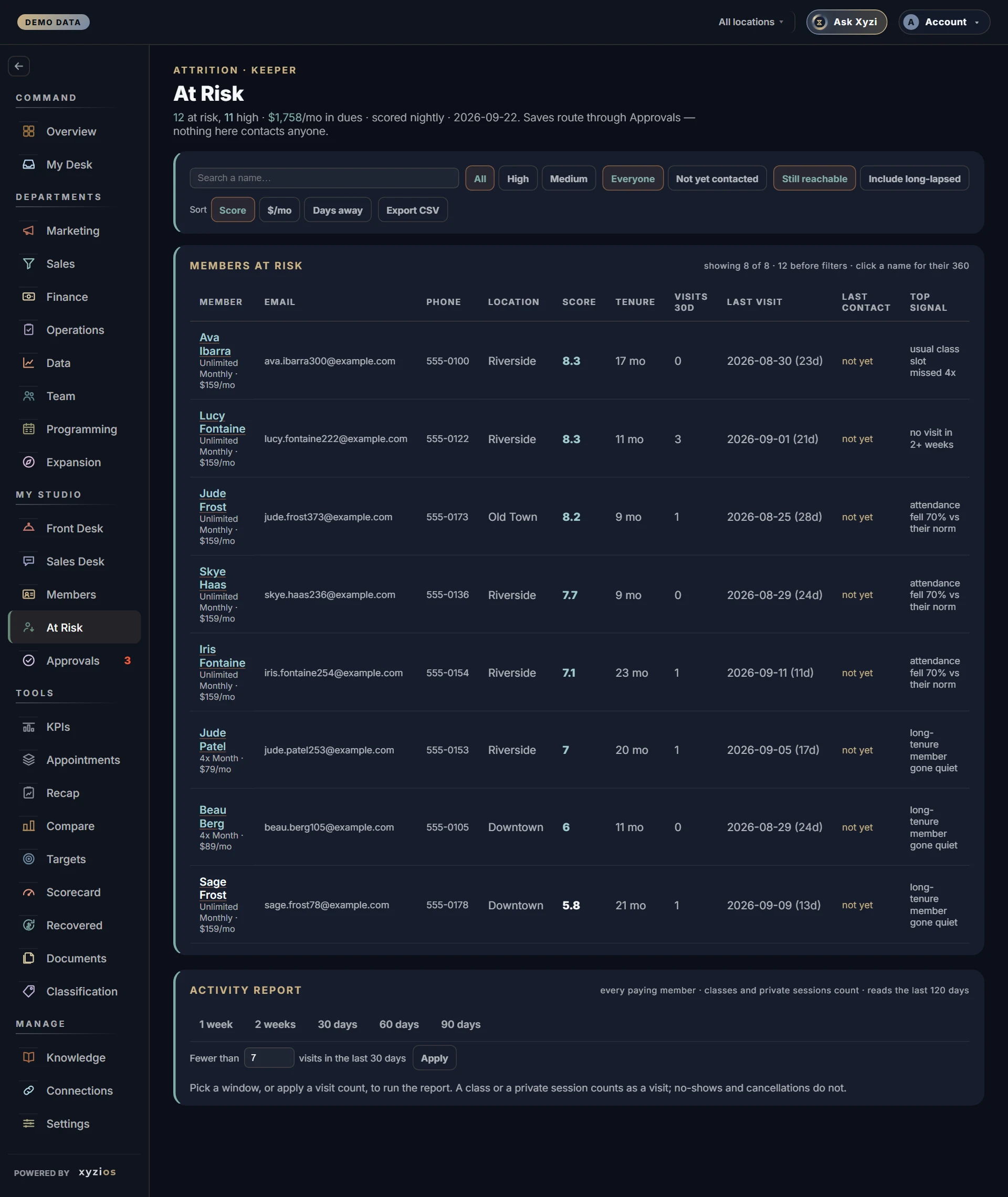
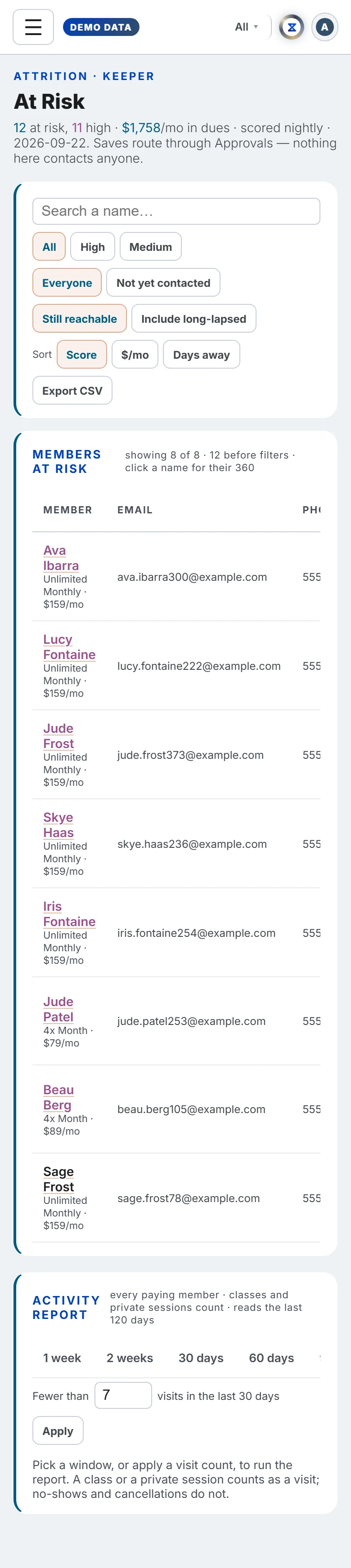
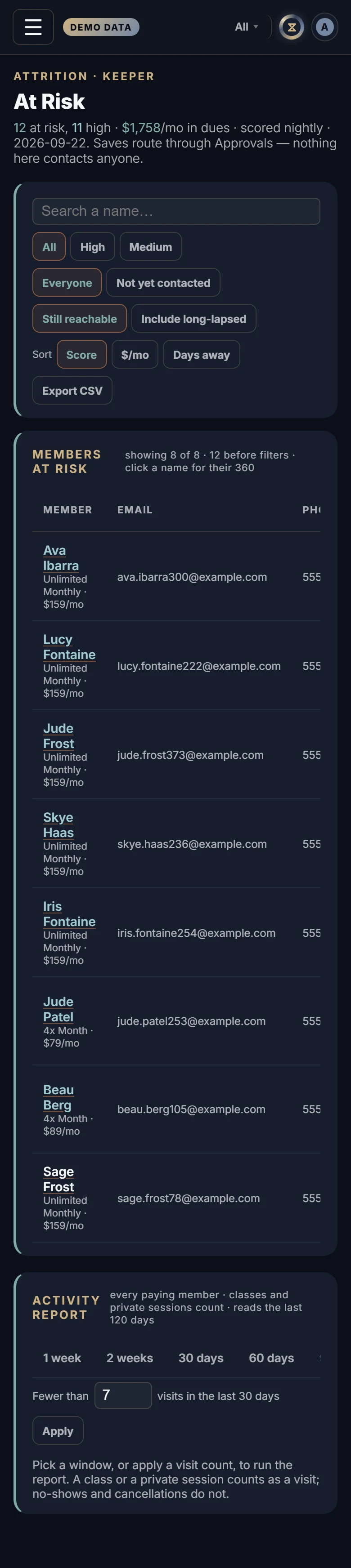
The table, 6Members at risk, shows 100 rows at a time with a Show more button. Columns: Member (with membership and monthly rate), Email, Phone, Location, Score, Tenure, Visits 30d, Last visit with days inactive, Last contact, Top signal, Suggested move, and a Handled button. A name in red is a score of 7 or more. Signals are plain sentences: days since last visit, visits down month over month, no-shows and late cancels, a new member with low engagement, no future bookings, payment failure.
The Activity report
Under the radar sits a second card, the 7Activity report. Where the radar lists only the members the scoring put over its threshold, the report answers a plainer question over every paying member: who has not been in? It runs when you ask, not when the board opens, and it reads the last 120 days of attendance.
Inactive means no visit inside the window you choose, and a visit is an attended class or a private session: a member who had a private yesterday is not inactive. No-shows and cancellations are not visits. A booking that is still ahead does not count as a visit either, but it is shown, because “quiet but booked for Thursday” is a different call from “quiet”.
Two modes, one at a time:
- 1 week / 2 weeks / 30 days / 60 days / 90 days lists everyone with no visit in the last that-many days, counted up to and including today. A visit exactly that many days ago is outside the window, so someone last seen 7 days ago appears on the one-week list.
- Fewer than N visits in the last 30 days, with Apply, lists everyone under that count whatever their last date. Seven is the number the owner who asked for this uses.
A line above the table reads, for example, 38 of 121 paying members: the first number is who matched, the second is every paying member in the scope you are looking at. The location switcher scopes the report the way it scopes the radar; if your access is fenced, the same Scoped to your locations banner applies and members whose location was never recorded are left out.
Columns: Member (with their plans and, except for front desk, the monthly rate), Location, Last visit, Days since, Visits 30d, Booked ahead, Tenure, Email and Phone. The quietest people come first: anyone with no visit in the last 120 days shows 120+ and sits at the top, then the longest gap down. A person holding several active rows of one membership, which some booking platforms write every billing cycle, is one row here. Export CSV downloads the rows on screen with the same columns.
What to do here
- Pick a location, choose High, and work down the list. Click a name to open their Member 360 before you call.
- When you have spoken to someone, tap Handled. The row stays, marked with who handled it and when. Any save the Attrition agent has waiting for that member in Approvals is withdrawn, and no new one is proposed for seven days, so nobody hears from the studio twice about the same thing.
- To let the AI team draft the outreach instead, leave the row alone. The Suggested move is what the agent proposes, and it arrives in Approvals for a decision.
- Use Export CSV to take the list to the desk on a phone.
- For a plain “who has not been in this week” list, or everyone under seven visits this month, run the Activity report below the radar and export it. It is a list to read and call from; nothing on it contacts anyone.
Handled records that a conversation happened. It never contacts anyone and it never hides the person.
Common questions
The count in the header is bigger than the rows I see.
The header counts everyone at risk; the default view hides people more than 30 days out. Choose Include long-lapsed to see them all, and check the band and contact filters.
Someone I called yesterday still shows “not yet” under Last contact.
Only outreach that went out counts: an approved email that was sent, or a Handled tap. A call made outside Xyzios is not known unless someone taps Handled.
A high-risk member has no save waiting in Approvals.
Proposals go only to the recently slipped (within 30 days), to members in payment failure, and to never-attended members while they are still new. Everyone else stays on the radar for a personal call.
Who can see this board?
Owners, Directors, Location Managers and front desk, each within their locations. Instructors do not see it.
The header shows a number and the list is empty.
The list loads separately from the rest of the app, so reload. If it stays empty, a filter is on.
Someone is on the Activity report but not on the radar, or the other way round.
They answer different questions. The radar scores risk from several signals and lists people over a threshold; the report is a plain count of visits over a window, for every paying member. A brand-new member with no visit yet is on both; a regular who missed one week is on the one-week report and nowhere near the radar.
The Activity report says “120+” under Days since.
The report reads the last 120 days of attendance. Someone with no class or private session in that time shows 120+ rather than a date; it does not mean they have never been in.