
Open it
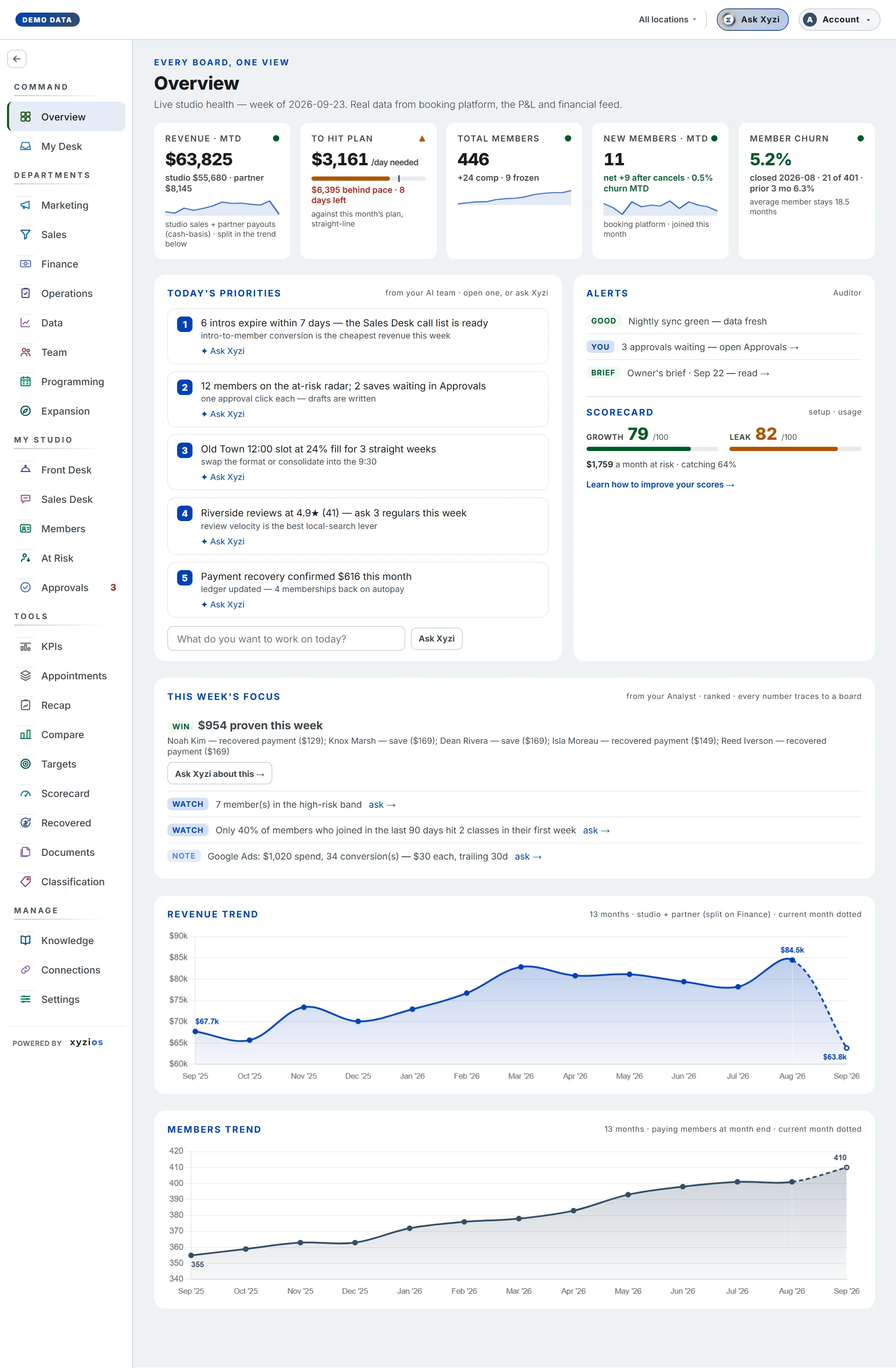
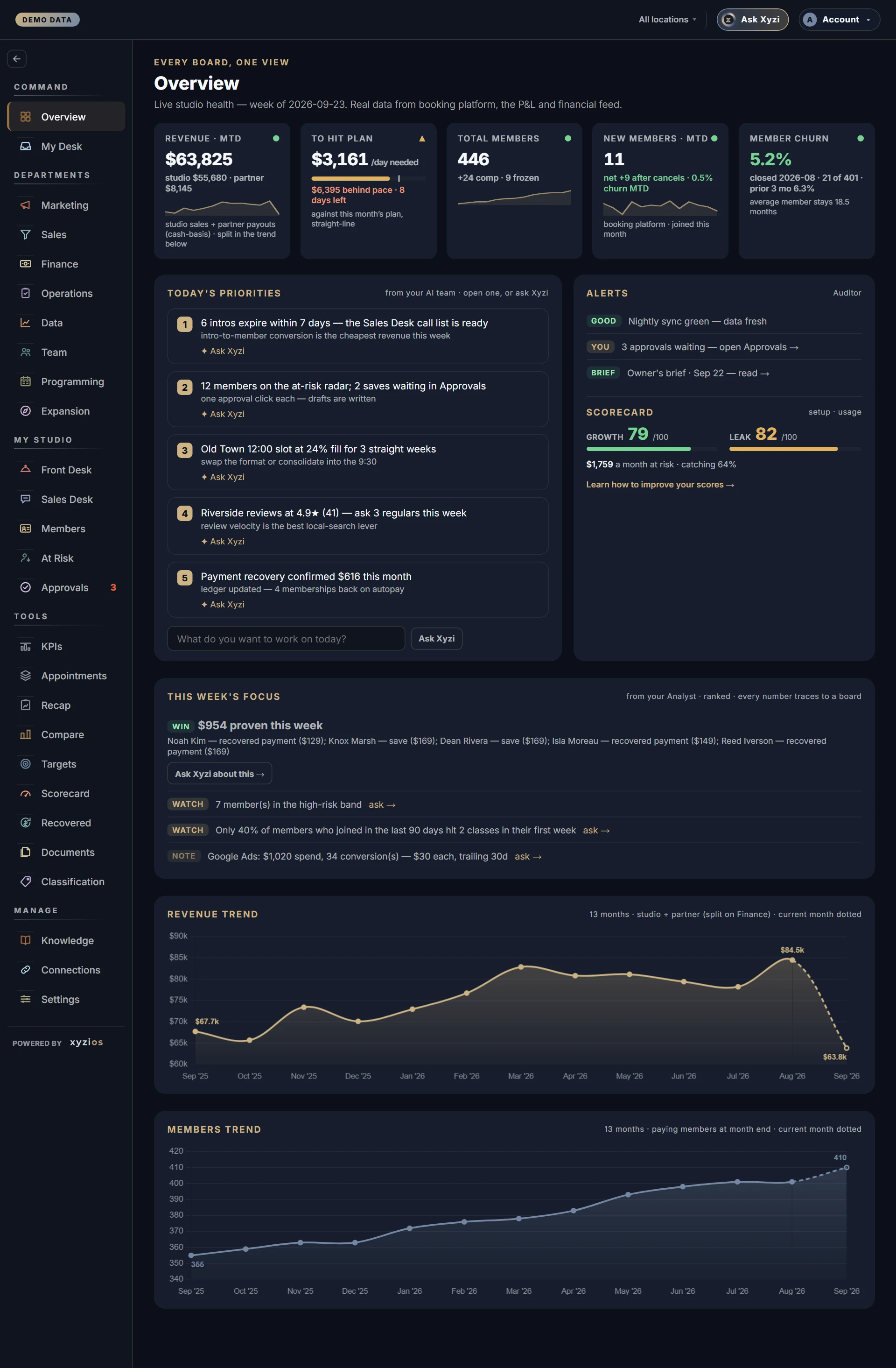
Overview is where Xyzios opens for owners, directors and location managers. Everything on it is company-wide until you pick a location in the top bar.
Read these numbers
- 1Revenue · MTD is the money in this month so far: studio sales plus partner payouts such as ClassPass, on a cash basis. Judge it against the plan, not against last month’s total.
- 2To hit plan is what you need to sell each day from here to reach this month’s plan. The tick marks where a straight line says you should be today, so a bar short of the tick is behind. A dash means there is no plan for this month yet.
- 3Total members is paying members right now, with comp and frozen members counted beside it.
- 4Member churn is last month’s cancellations as a share of the members you started it with, graded against your own previous three months.
- 5Today’s priorities is up to five items your AI team ranked overnight. “Nothing flagged.” is a real all-clear, not a blank.
A dash on any card means not measured, never zero.
Do this today
- Open the first item in Today’s priorities and act on it, or hand it to the person who should.
- If To hit plan shows a dash, set the revenue plan. It takes two minutes, and every pace in Xyzios starts working.
Tomorrow
Day 2 opens Approvals: the drafts your AI team wrote overnight, waiting for a yes.