What this board answers
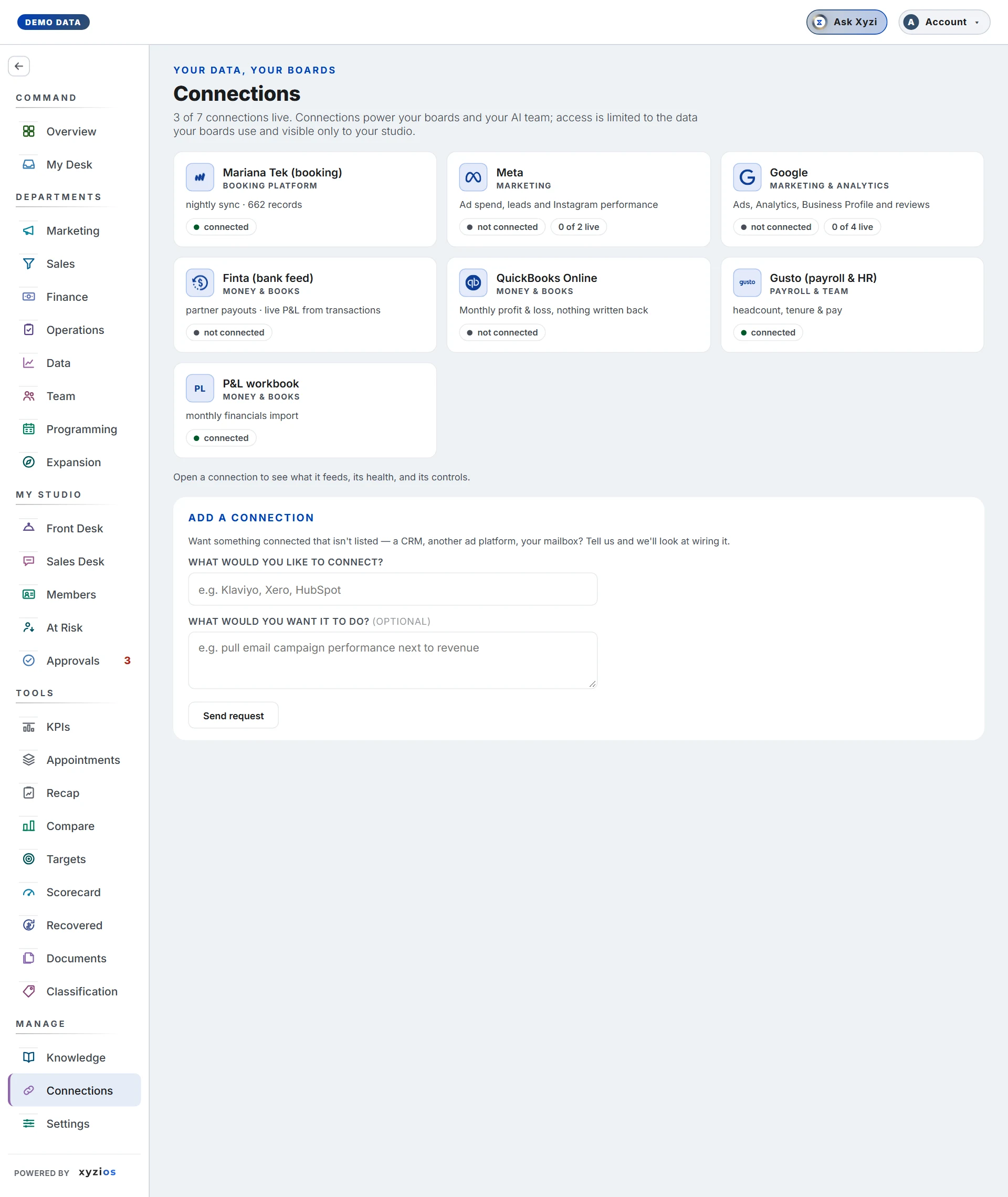
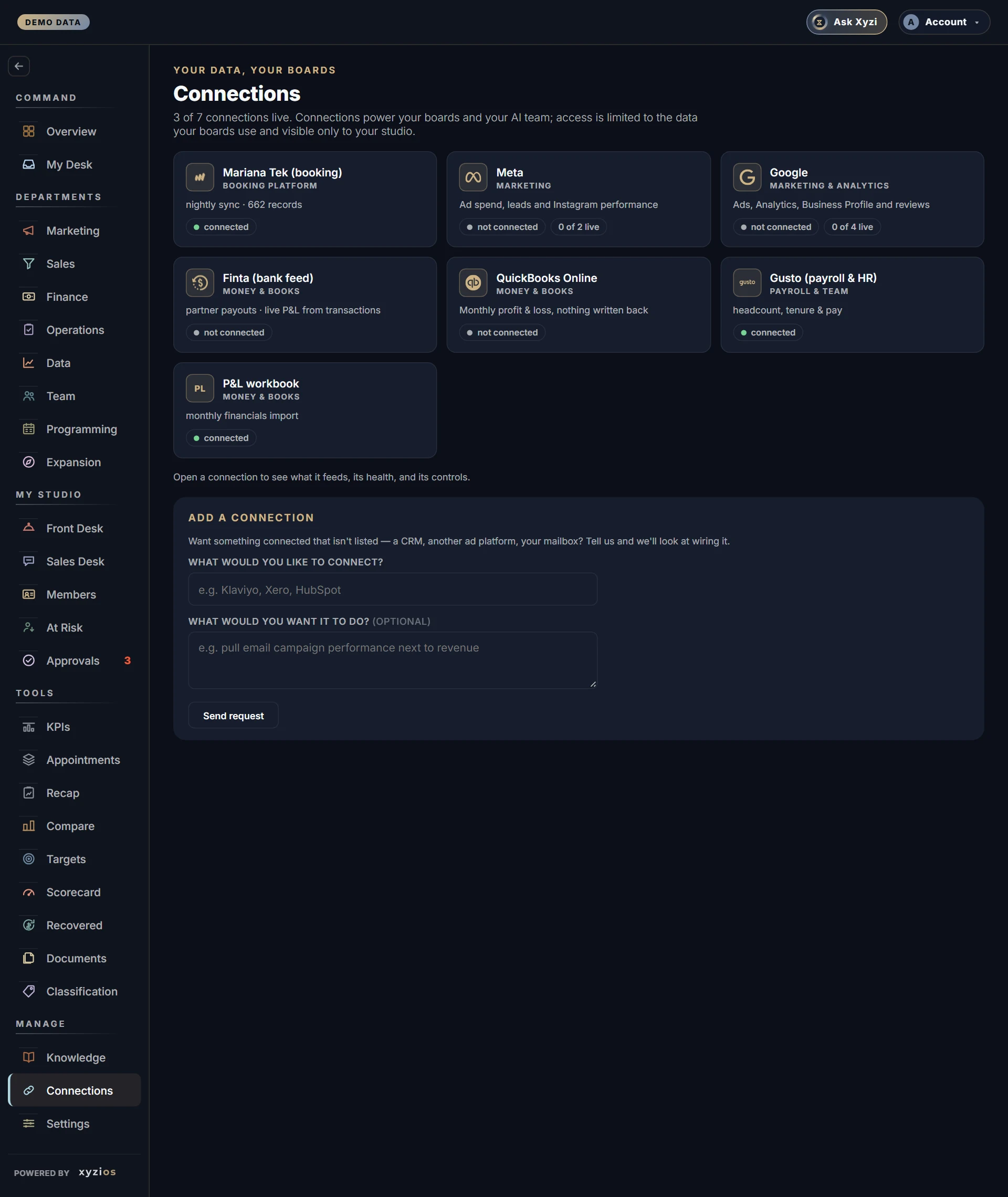
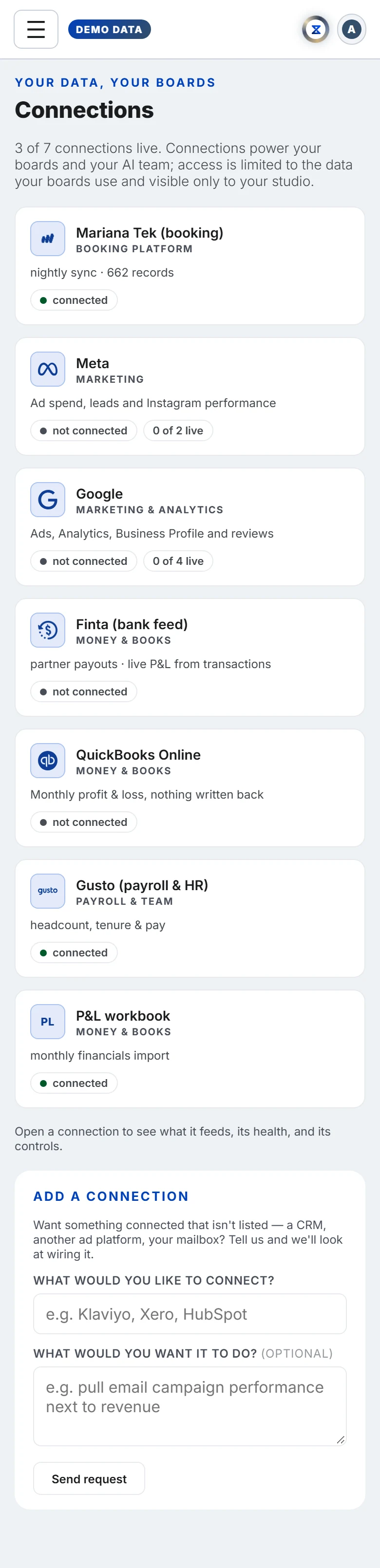
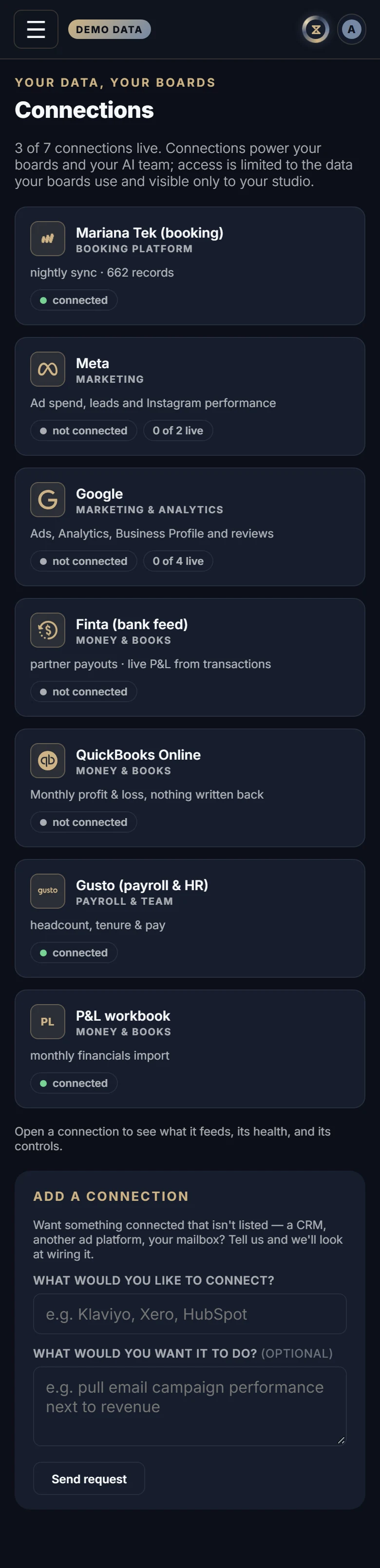
Where is the data on my boards coming from, is it fresh, and what needs me? One card per connection: your booking platform, Meta, Google, your accounting and bank sources, payroll and the P&L workbook. The line under the title says how many are live right now.
How to read it
The grid shows a tile per connection with its name, a category (1Booking platform, Marketing, Marketing & analytics, Money & books, Payroll & team) and a status chip:
- connected: data arrived and is fresh.
- connected · data stale: the last good data is older than expected.
- connected · a location needs approval: today’s data arrived for the sites we can read; one site still has to approve access inside the booking platform.
- needs reconnecting or not working: access expired or was revoked. A banner at the top names these. Boards keep their last good numbers, clearly dated.
- authorised · first sync tonight: you connected it; the first data lands on the next sync.
- connected · choose your Page or choose your ad account: you connected Meta; tell us which Page and which ad accounts are this studio’s under the card’s Settings. The first data lands on the sync after that.
- waiting for platform access or coming soon: the ball is with the platform or with Xyzios, not with you.
- not connected: available, not yet set up.
- status couldn’t be read: the last refresh could not check it, so nothing is assumed.
A card covering several feeds (Google covers Ads, Analytics, Business Profile and reviews) shows the worst of them and a chip like 2 of 4 live.
Click a tile to open its detail. 2Data (or What it feeds) lists each feed and when it last updated. The booking platform card also has History (every nightly sync, its result and record count) and Event stream (live events as the platform sends them). Settings holds what the connection knows about itself: account details, a Locations list showing each site as syncing, syncing · presale, or not in your booking platform yet, the Facebook Page and Ad accounts pickers on Meta, the Google Ads account and Analytics property pickers on Google, and the upload on the P&L workbook card. Before a first connection the detail opens with How it works: what is read, and what is never written back.
What to do here
- To connect Meta, Google, QuickBooks Online or your bank feed, open the card and click Connect. You connect with one click, sign in at the provider, and stay on Xyzios throughout. The chip reads authorised · first sync tonight until the first sync.
- To fix needs reconnecting, click Reconnect and sign in again. Nothing already collected is lost.
- To remove access, click Disconnect. The confirmation names every feed that stops and what it does not do: it removes Xyzios’s access but does not revoke the permission at Google’s or Meta’s end; a link in the dialog takes you there.
- On Meta, choose the Facebook Page whose Instagram account this studio uses and click Save. A Page with no Instagram linked is listed but greyed out; if only one Page has an Instagram account, it is picked for you. Then choose the Ad accounts whose spend this studio reports and click Save; several add up. If the login can read only one ad account, it is picked for you.
- On Google, choose the Ads account whose spend and conversions this studio reports and click Save. A manager account is listed but cannot be chosen. If the login can read only one account, it is picked for you. Then choose the Analytics property for the studio’s website; properties are listed, never accounts, and if the login can see only one it is picked for you.
- Owners only: on P&L workbook, choose the bookkeeper’s .xlsx or .csv and click Upload. Finance updates as soon as it lands.
- Want something not listed? Use Add a connection at the bottom: say what, optionally why, then Send request.
Common questions
A card says “Set up with us” or “Owner sets up” and has no button.
Key-based sources (the booking platform, payroll) are set up with Xyzios. Connect flows are for owners and admins, or for someone given Connect integrations under Settings → Permissions. Waiting on approval means Xyzios is waiting on the provider’s review, not on you.
It says three locations syncing but one is not open yet.
Every location the booking platform reports is synced, including one in presale. A location you have announced but not created in the platform shows as not in your booking platform yet and is not counted.
I connected Google and a feed shows nothing.
Connecting proves the sign-in, not what that account can see. If the account you used has no access to the Analytics property or the Business Profile, grant it there and the feed fills on the next sync. Business Profile and reviews read coming soon until Google grants Xyzios access to that API; Ads and Analytics do not wait on it.
Can a bank feed and accounting both be connected?
Yes. The bank feed gives partner payouts and a daily cash read; accounting gives the bookkeeper’s monthly P&L. For any one month the declared source wins and the other fills in only the months it does not carry.
When does data refresh?
The main sync runs overnight and the boards also refresh during the day. History on the booking platform card shows every run.