
What this board answers
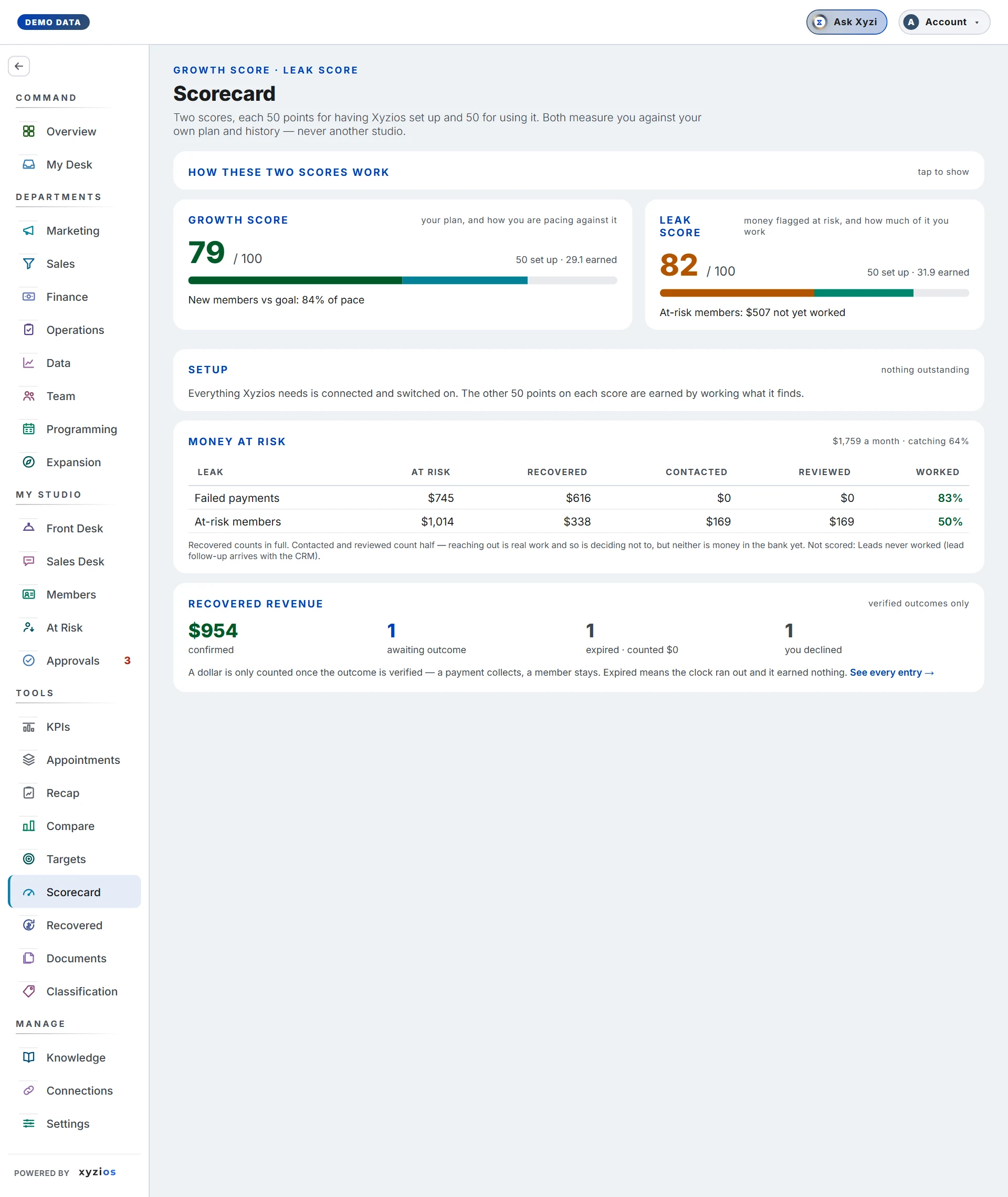
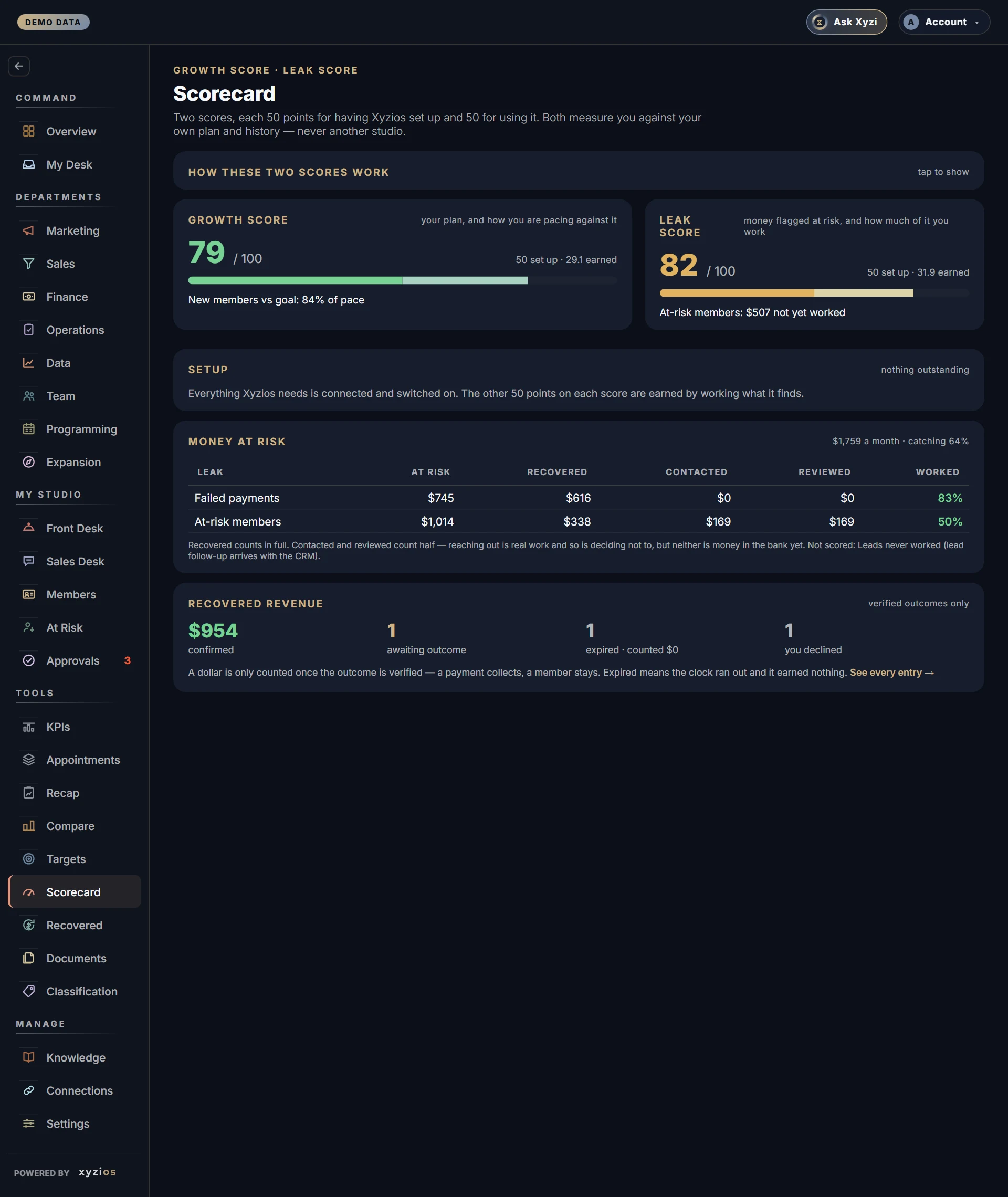
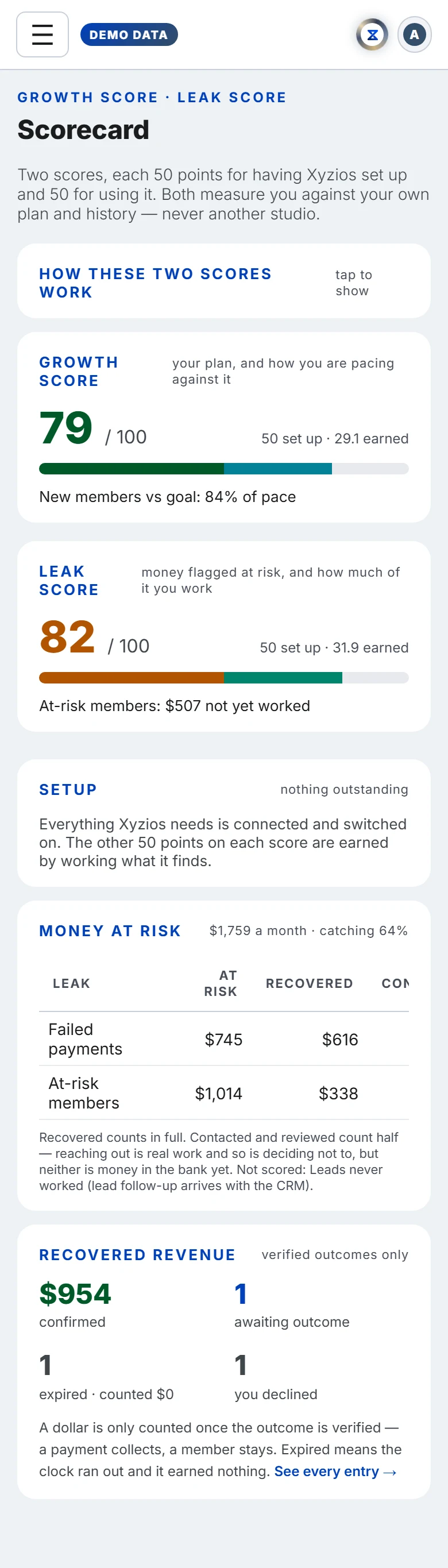
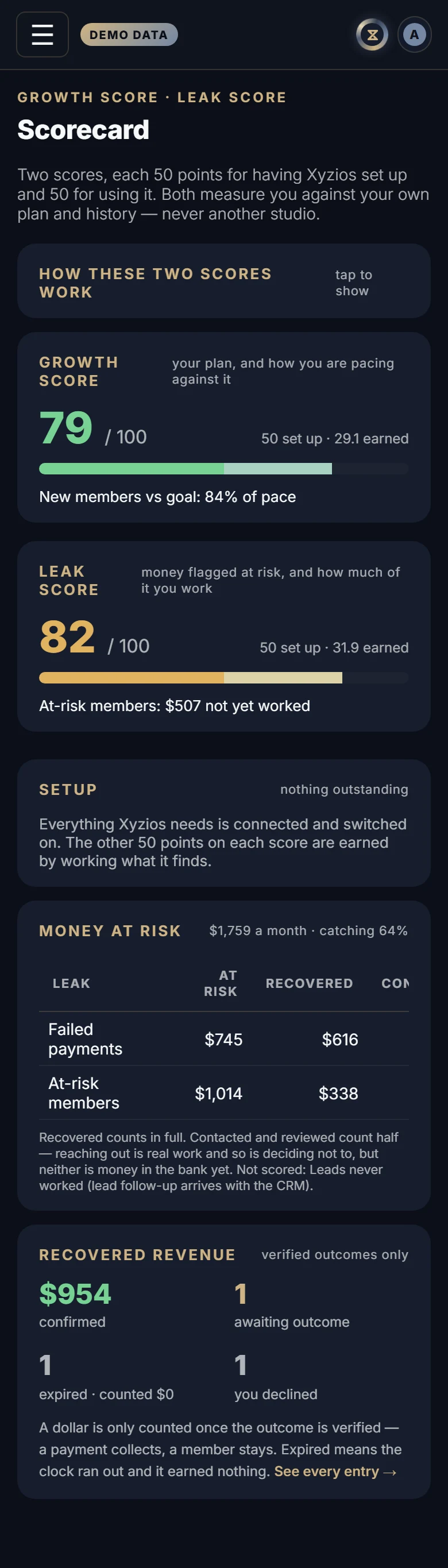
Is Xyzios set up, and is the studio using it? Two scores answer that: the Growth score (your revenue plan and how you are pacing against it) and the Leak score (money flagged at risk and how much of it you work). Each is 50 points for having Xyzios set up and 50 you earn by using it. Both measure you against your own plan and history, never against another studio.
How to read it
1How these two scores work folds out the rules, a paragraph each.
The two score cards show the number out of 100, how many points are set up and how many earned (or not measurable yet), a bar for each half, and one sentence naming what drove the score.
Trend plots both scores over recent months. The growth line is rebuilt from your revenue and member history; the leak line starts the day Xyzios began watching and is not backdated.
2Finish setting up lists the open setup steps, biggest first, with the points each is worth: Every location syncing (20), Products classified (15), Recovery drafts switched on (15), Revenue plan set for this year (25) and Sales goals set (25). With nothing outstanding the card reads Setup · nothing outstanding.
3Money at risk shows what the leak agents have flagged: a table of each leak with At risk, Recovered, Contacted, Reviewed and Worked. Recovered counts in full; contacted and reviewed count half. Until the setup steps are finished the card says not measurable yet rather than showing zero, because an empty list would read as “nothing is wrong” when nothing is being counted yet.
4Recovered Revenue at the bottom summarises the ledger: confirmed, awaiting outcome, expired · counted $0 and you declined, with See every entry → when you can open that board.
These scores are company-wide, so a manager of one location is not sent them.
What to do here
- Work the checklist from the top. Each row has a door: Fix it → opens the board where the step is finished. For sales goals you can press Keep defaults to accept the computed goals, or Set my own →.
- If a step needs an owner and you are not one, the row offers Ask an owner →. It emails the studio’s owners and records the request; the row then reads Asked ✓.
- A row reading in your booking platform is a change made there, not in Xyzios; its wording says what to do.
- Work the flagged money on Approvals and At Risk. Approving a message, contacting a member, or deciding a flagged member is fine all count.
Common questions
Why is the score not 100 when we are on plan?
Hitting the plan is the expectation, not the ceiling. On plan lands around 82; the 90s need a studio to beat its plan on several fronts at once.
Why is the earned half blank?
Nothing can be measured until every location syncs, products are classified and recovery drafts are on: the leak agents always watch, but a leak is counted from the fix they propose, and with All outbound items, Retention saves or Payment recovery off in Settings they propose none. Finish the checklist and it fills in.
Does declining a flagged member cost points?
No. Deciding a member is fine is real work and earns credit, like reaching out does.
What does expired mean?
The window for that action ran out and it earned nothing. Expired and declined stay on show because they are what make the confirmed figure believable.
Who can see this?
Owners and admins, and Directors by default. A manager of one location does not receive it.