
What this board answers
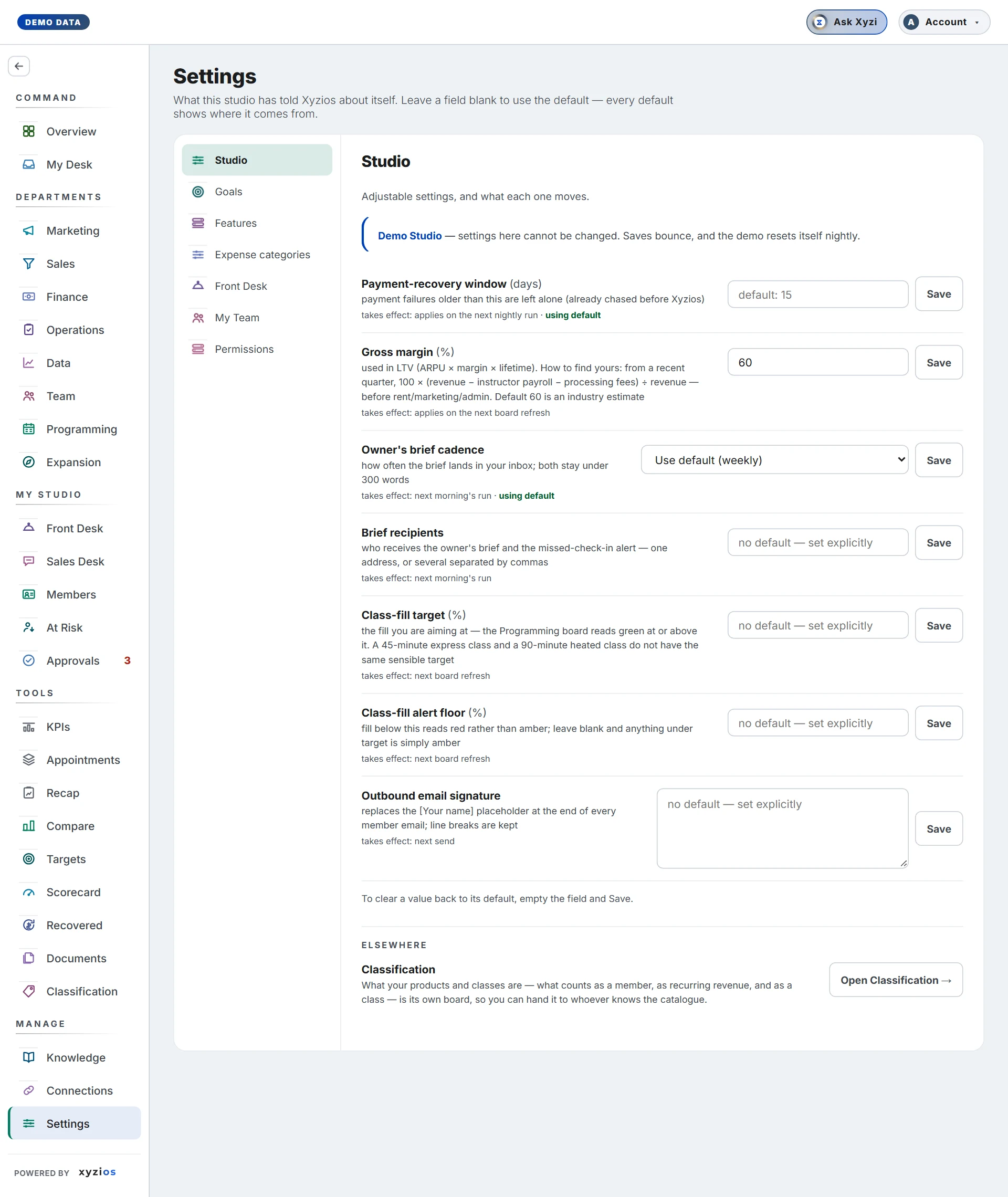
What has this studio told Xyzios about itself, and who on the team can open what? Leave any field blank to use the default; every default says where it comes from. The sections run down the left.
How to read it
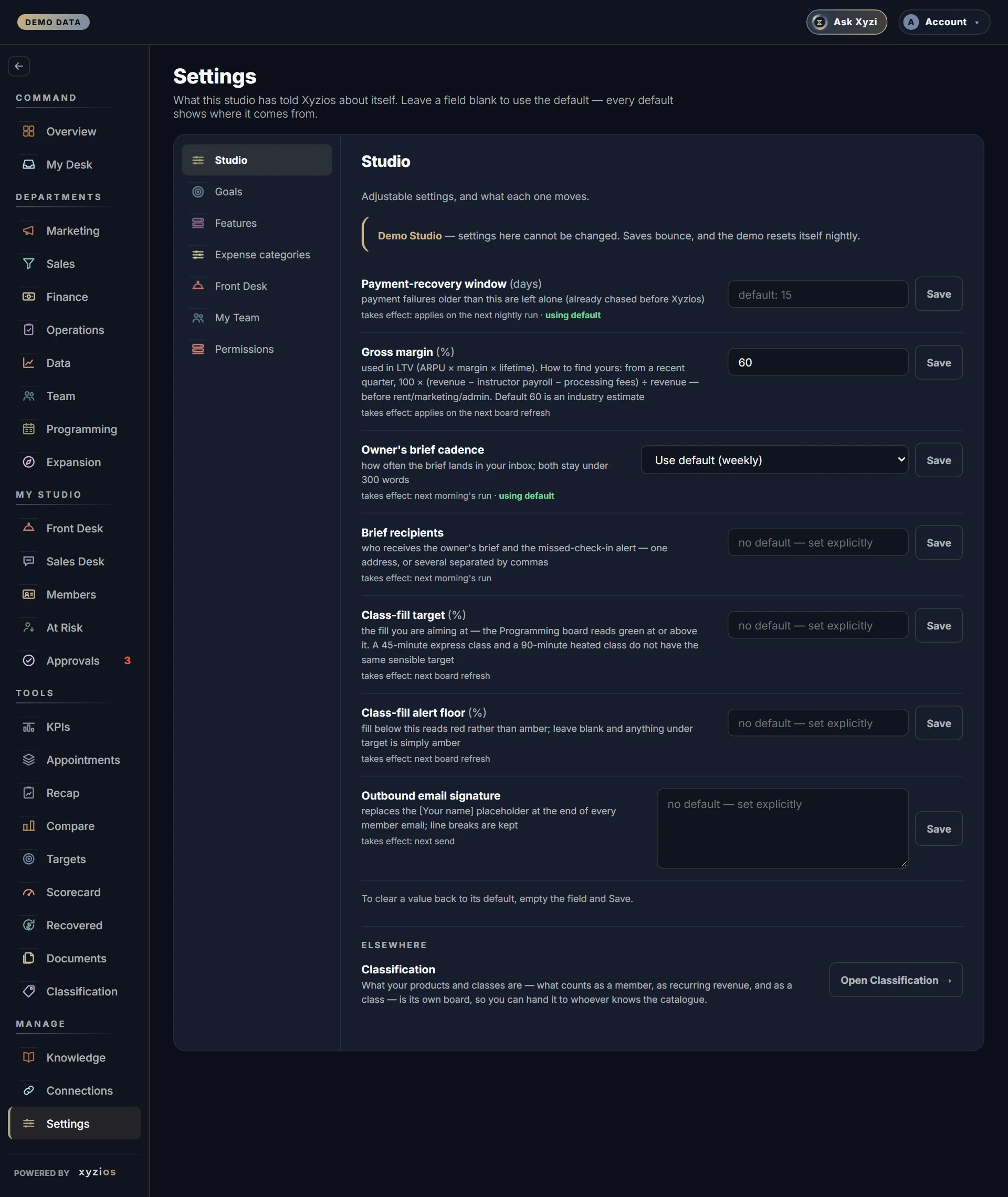
- 1Studio: the adjustable numbers. 2Payment-recovery window, Gross margin, Owner’s brief cadence, Brief recipients (who gets the brief and the missed-check-in alert), Class-fill target, Class-fill alert floor and Outbound email signature. Each row says what it moves and when it takes effect; using default means nothing has been typed. 3Open Classification → points to the board where products and classes are defined.
- Goals: Sales goals per location and per month for each funnel metric, with the weekly figure worked out beside it and a Company (sum of locations) line. Blank means the goal we derive: that location’s last eight full weeks plus 10%. Below sit the two conversion targets.
- Presale: only while a location is in presale. Daily goal, founding-member goal, selling days, where founding sales are recorded and which products count.
- Email sender is set on the Xyzios side, not in these sections. Until your own domain is verified with the email provider, every email Xyzios sends for you, owner briefs and member emails alike, goes out from support@xyzios.com under your studio’s name. Emails to you and your team (the briefs, coaching notes, alerts) add “ - Xyzios” to that name; emails to your members carry the studio’s name alone and never mention Xyzios. On the shared address a member’s reply reaches Xyzios support until a Reply-to address is set, so ask for it to point at the inbox your front desk reads: Report issue in your account menu reaches support.
- Features: what your AI team sends or proposes, never whether it runs. Every agent runs whatever these say, so your boards, work lists and at-risk radar stay current. At the top, All outbound items is the master switch: while it is off, nothing is drafted for a member and nothing is posted publicly, whatever the rows under it say. Under it, three groups: Drafts to members (retention saves, payment recovery, referral asks, intro rescues; each waits for your approval), Public posts (Google posts, review replies, holiday-hours changes, blog drafts) and Emails to you and your staff (the owner’s brief, the daily Today email, the monthly review, missed check-ins, alerts, coaching notes and location briefs sent on to your team). The master switch does not touch that last group. Each row says what OFF means; the rows that ship off, such as intro rescue emails, the Today email to location managers and the two direct-delivery switches, stay off until you turn them on. Switches save themselves.
- Expense categories: every line of your P&L and the category it lands in, marked your ruling, our guess or unplaced; then how shared costs reach locations, Payroll groups, location names in your books, Monthly rent by location and Location targets. A payroll account your books keep as sub-accounts is listed sub-account by sub-account as Account › Sub-account (Owner Salary, Employer Taxes, 401K, admin wages), each landing on its own name where the seeds know it and otherwise inheriting the account’s ruling, so the owner’s pay and payroll taxes can be placed apart from wages. Any other account can be opened the same way on request (a marketing agency filed under continuing education, say), after which each sub-account takes its own ruling.
- Front Desk: which sections that board uses (Announcements, Notes, Issues, checklists). What the checklists say is edited on Front Desk › Setup.
- My Team: everyone with access, their name, sign-in email, role and locations.
- Permissions: By role is the grid of which boards a Director, Location Manager, Front Desk or Instructor opens; By person adds capabilities such as See pay, See financials or Act on approvals, and lets you switch a board off for one person.
What to do here
- Change a number: type it and click Save on that row. To go back to the default, empty the field and Save.
- Set goals: fill the boxes and click Save goals. Reset all to defaults clears every goal and asks first.
- Add a colleague: My Team → + Add a team member, enter their email, pick a role and, for location-fenced roles, their locations. They get a sign-in link; you get a copy. No passwords exist: people sign in with an emailed code or a passkey.
- Change someone’s role or locations on their row and click Save. Sign-in link mints a fresh one-time link. Remove… asks you to type their email.
- Change a sign-in email: click Change beside the address. For a colleague, they receive a confirmation and nothing changes until they accept. For yourself, the dialog sends a code to the new address first.
- Adjust access: on By role tick or untick boards and click Save changes; each column shows changed or default and can be reset. On By person tick capabilities, or open N boards on a row and untick one for that person alone.
Common questions
Why is a Location Manager column full of dashes?
That role can be narrowed but not widened yet, because its boards are rebuilt per location. Use Director for someone who should see everything.
Where do I report a problem?
Not here. Open your account menu in the top bar and choose Report issue, pick a category, describe it and Send. The page you were on and the build are attached automatically.
I flipped a Feature off and the board still shows the data.
Correct. A feature switch stops the noise, never the data: turning off Retention saves stops the drafts, the at-risk list stays.
I turned All outbound items off. Why is Retention saves still ON?
Each switch keeps its own position so that turning the master switch back on restores exactly what you had. While the master switch is off, the two groups under it are shown dimmed and nothing in them is drafted or posted.
Where do I switch an agent off?
You do not need to: switching off what it sends is enough, and the agent carries on keeping your boards current. Stopping an agent altogether is done by Xyzios support.
The team member I added never got the email.
Some company mail systems quarantine it. Click Sign-in link on their row and use Send from my email or Copy. The link works once and expires within the hour.
Why can I not edit a co-owner or the Xyzios support account?
Owner and admin grants go through Xyzios Support; the row says so.
Is billing in here?
No. Your rate and checkout link come from Xyzios by email, and a failed payment shows as a notice in the app, never a lock-out.