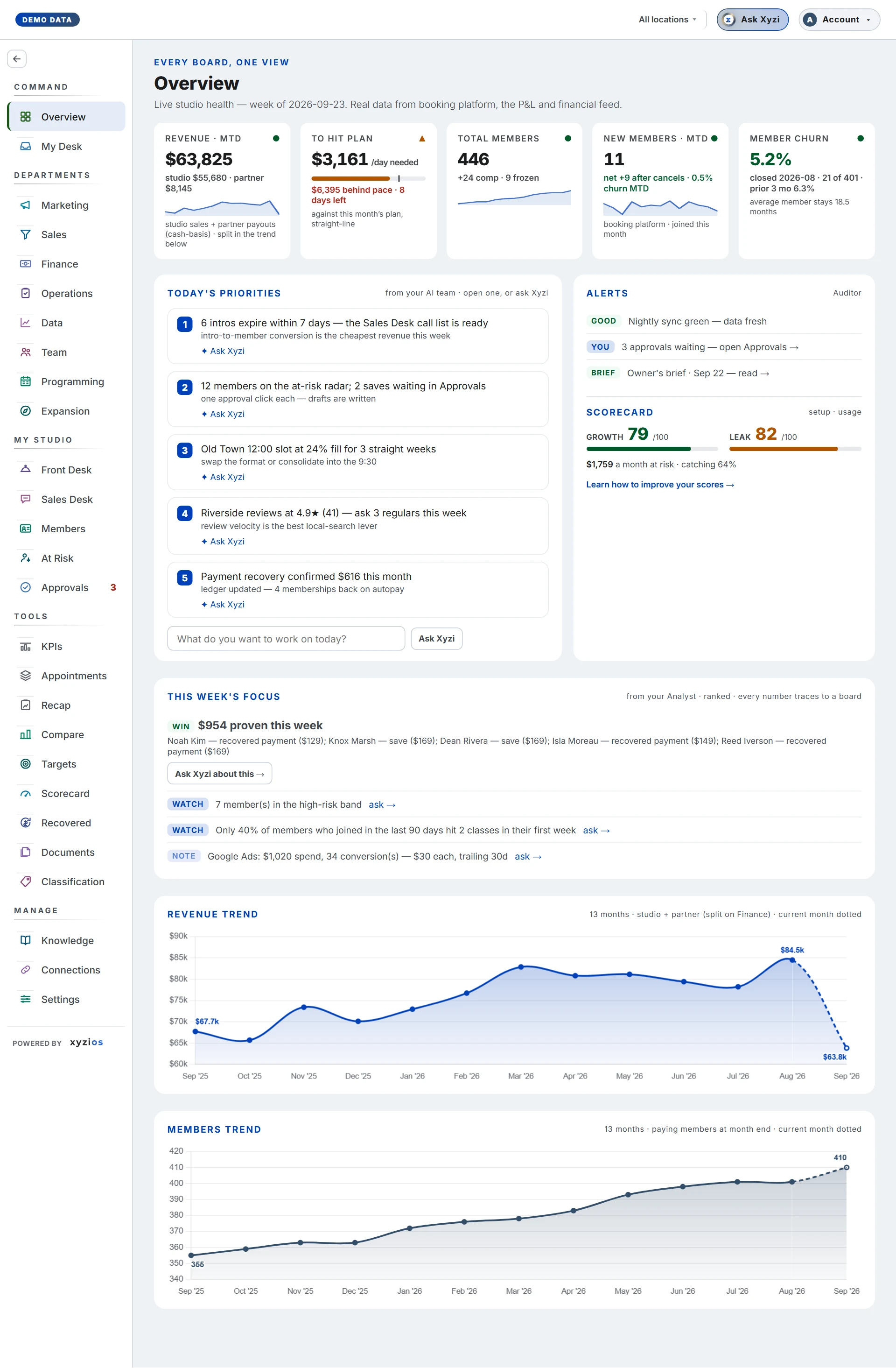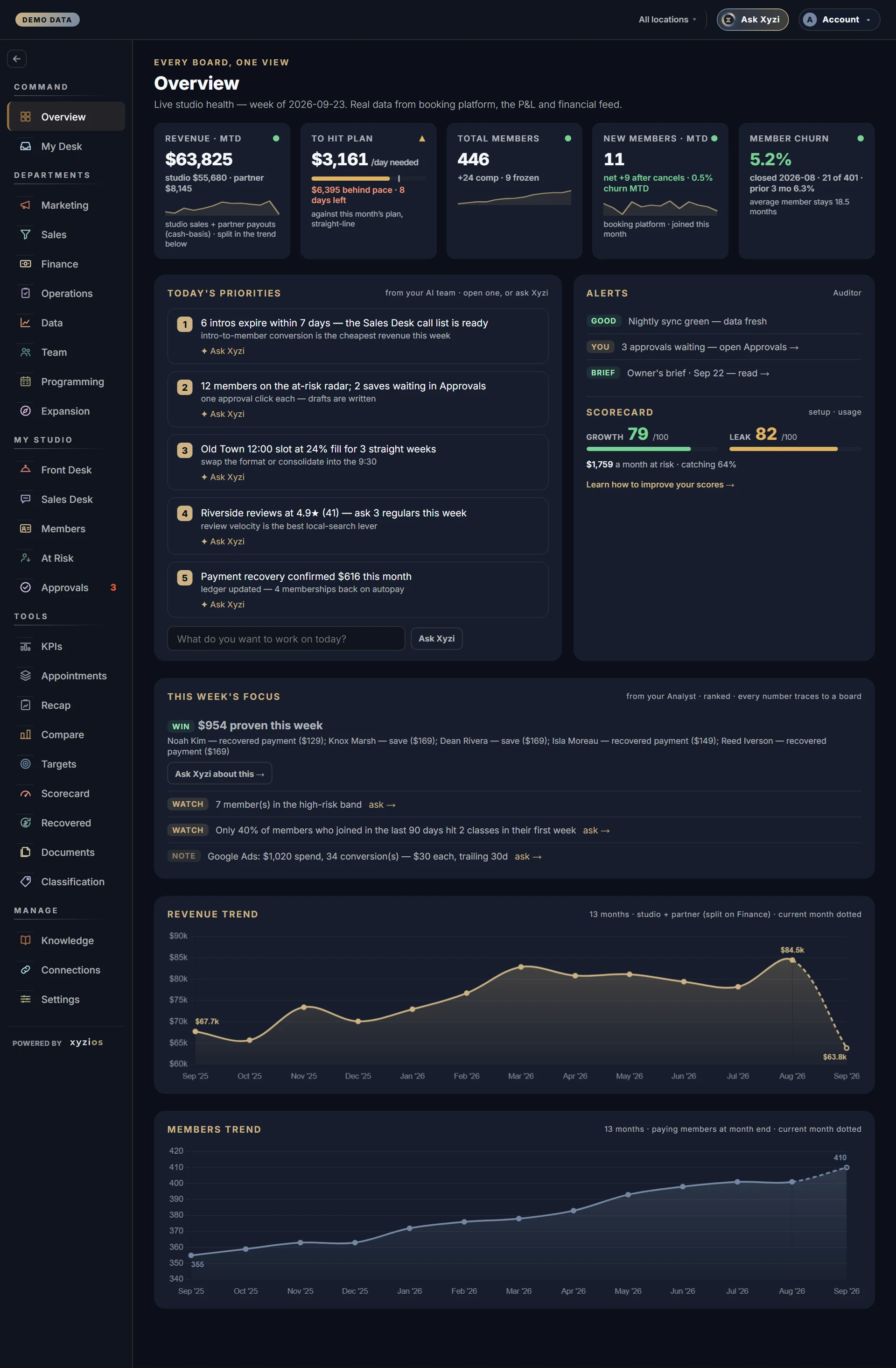

Every screen in Xyzios is one board inside the same frame. The picture is the Overview in the Demo Studio, a made-up studio, numbered to match the list below. Switch it to Phone to see the same four things on a small screen.
The frame
- 1The menu lists your boards. On a computer it runs down the left, and the arrow at its top folds it to icons and back. On a phone, five boards sit in the bar along the bottom with their counts, and ☰ at the top left opens the rest. You only see the boards your role opens.
- 2The location picker, in the top bar, reads every board for all your locations or for one of them. On a computer with three sites or fewer it is a row of buttons; otherwise it is a dropdown. Your choice follows you from board to board. See Switch location.
- 3Ask Xyzi, beside it, opens Xyzi over whatever board you are on, already knowing the board and the location. On a phone it is the round button. See Xyzi, your studio’s AI.
- 4Your initial, top right, opens the account menu: the guide for the board you are on, every guide, your theme, your name, notifications and sign out. See Change the theme or your name.
Where the boards live
The menu is grouped the way a studio is run, top to bottom:
- Home: Overview, the whole studio on one screen; Tasks, what needs you; and Chat, where your studio has it switched on.
- Studio: the boards you open because a person is in front of you or a decision is waiting. Front Desk, Sales Desk, Call Lists, Members, Retention, Recovered Revenue (with the Scorecard) and Approvals, and Presale while a location is in presale.
- Departments: Marketing, Sales, Finance, Operations, Data, Team and Programming, then Appointments, the studio’s own Custom Board. Each says what it owns in a line under its title.
- Intelligence: KPIs, Targets, Recap, Compare and Expansion.
- Manage: Knowledge, with its Resources and Documents tabs, then Classification, Connections and Settings. Owners see all four; everyone else sees the ones their role opens.
A number beside a board counts what is waiting for you there: tasks that need you, messages for you in Chat, approvals to decide.
Reading a board
Every board opens the same way: a short line saying who runs it, its name, and a sentence saying what it answers. Then its numbers, its lists and, on most, what to do next. Tap a card or a name to open what is behind it.
- Board guide, at the top of each board, opens this board’s guide beside it, so you can read and work at once. See Find the guide for any screen.
- The numbers come from your booking platform, read overnight and refreshed through the day. How Xyzios works explains where each kind of number comes from.
Next
- New to Xyzios? Set up Xyzios the first time, then take your first week.
- Know your job? Find your role for the boards you open and the rhythm that gets the most from them.